These three monitors all show 3840 × 2160 at their native resolution, but they are not interchangeable. The 27-inch IPS and 31.5-inch IPS models can switch to 1080p at 320Hz. The 26.5-inch QD-OLED stays at 4K and reaches 240Hz. Choose the size and panel first; then decide whether a lower-resolution speed mode is something you will really use.
| Model | Screen | 4K refresh | Extra mode or feature |
|---|---|---|---|
| MSI MAG 272URDF E16 | 27-inch IPS | 160Hz | 1080p at 320Hz |
| MSI MAG 322URDF E16 | 31.5-inch IPS | 160Hz | 1080p at 320Hz |
| MSI MAG 272UP QD-OLED X24 | 26.5-inch QD-OLED | 240Hz | OLED contrast; 15W USB-C display input |
MSI MAG 272URDF E16: sharp 4K on a smaller desk
The 27-inch MAG 272URDF E16 offers 4K at 160Hz and a separate 1080p at 320Hz mode. Its two HDMI 2.1 ports and DisplayPort 1.4a support the 4K mode, and MSI lists height adjustment. Packing 4K into 27 inches makes text and game detail especially fine. Windows or macOS display scaling will usually make desktop text comfortable at this density. At 1080p, the screen is only drawing one quarter as many pixels; the 320Hz mode is for speed, not the same sharp image at a faster rate.
MSI MAG 272URDF E16
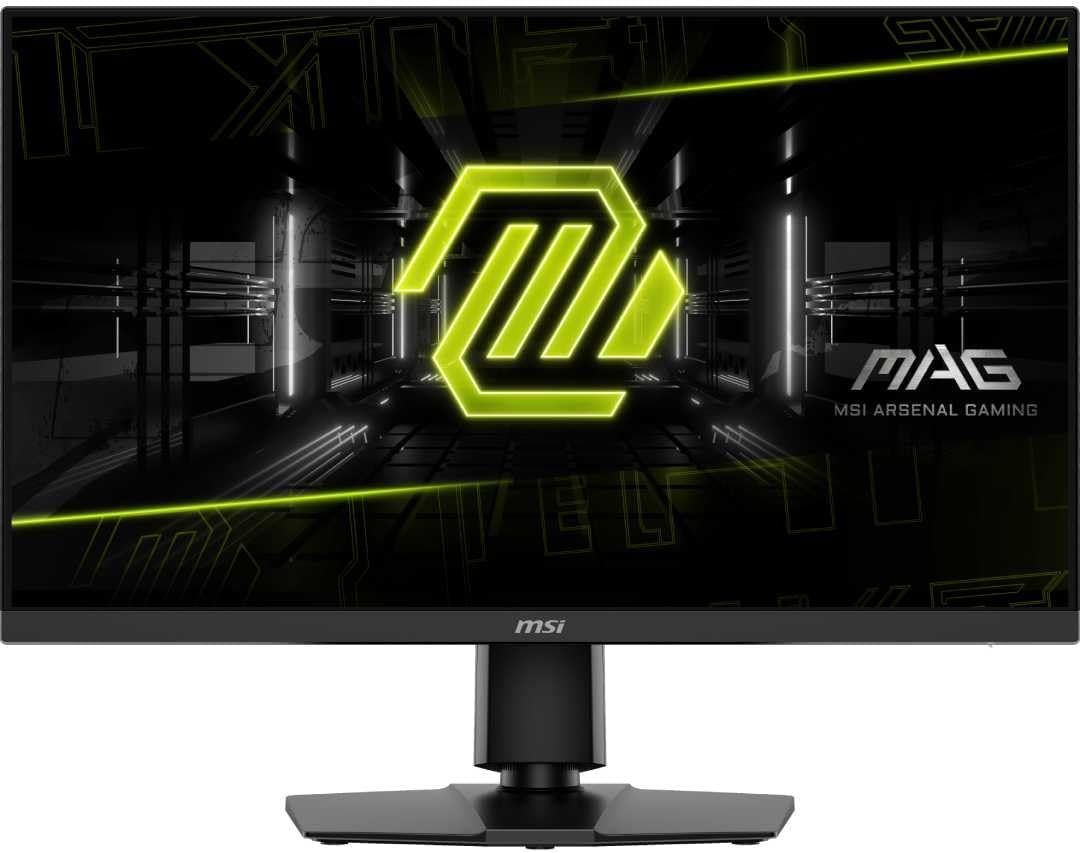
Panel: 27-inch 3840 × 2160 IPS
Refresh: 4K 160Hz or 1080p 320Hz
Ports: 2 × HDMI 2.1, DisplayPort 1.4a
MSI MAG 322URDF E16: same modes, larger image
The 31.5-inch version uses the same 4K 160Hz and 1080p 320Hz split. It makes games and 4K video physically larger without changing the number of pixels. That can be a better fit if you sit farther back or want more usable desktop space at a lower scaling setting. It also takes more desk width and depth. At 1080p, each source pixel is enlarged across a 32-inch panel, so the loss of fine detail is more obvious than on the 27-inch model.
MSI MAG 322URDF E16
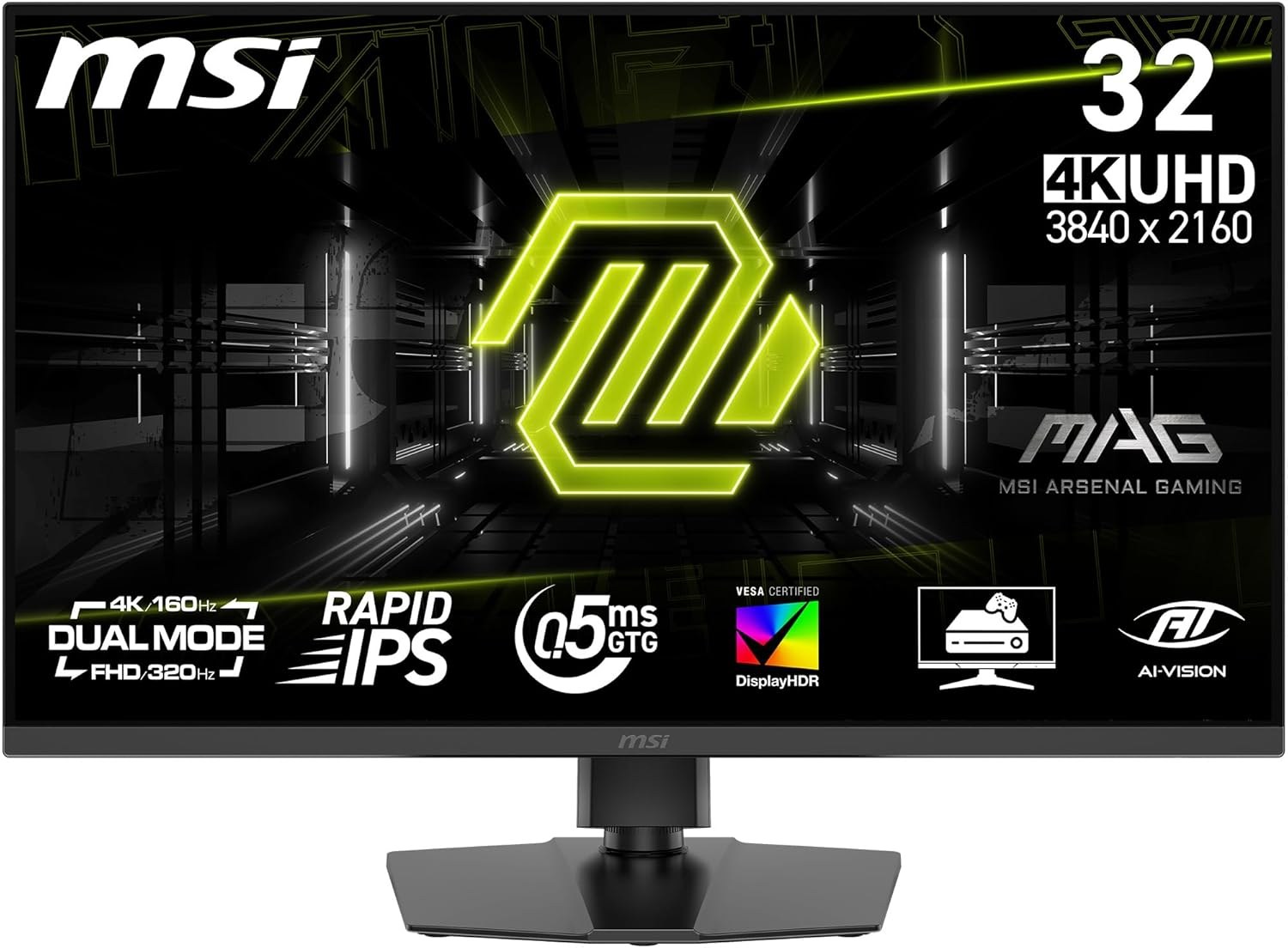
Panel: 31.5-inch IPS
Refresh: 4K 160Hz or 1080p 320Hz
Ports: 2 × HDMI 2.1, DisplayPort 1.4a
MSI MAG 272UP QD-OLED X24: 4K stays at 240Hz
The MAG 272UP QD-OLED X24 pairs a 26.5-inch 4K QD-OLED panel with 240Hz, two HDMI 2.1 inputs, DisplayPort and USB-C. MSI specifies only 15W USB-C power delivery, so that socket will not replace a typical laptop charger. Its three-year warranty includes panel burn-in. The reason to pay more is the combination of OLED dark-scene contrast and 4K high refresh without changing down to 1080p. The graphics card still has to supply the frames; 4K 240fps is a demanding target in recent games.
MSI MAG 272UP QD-OLED X24
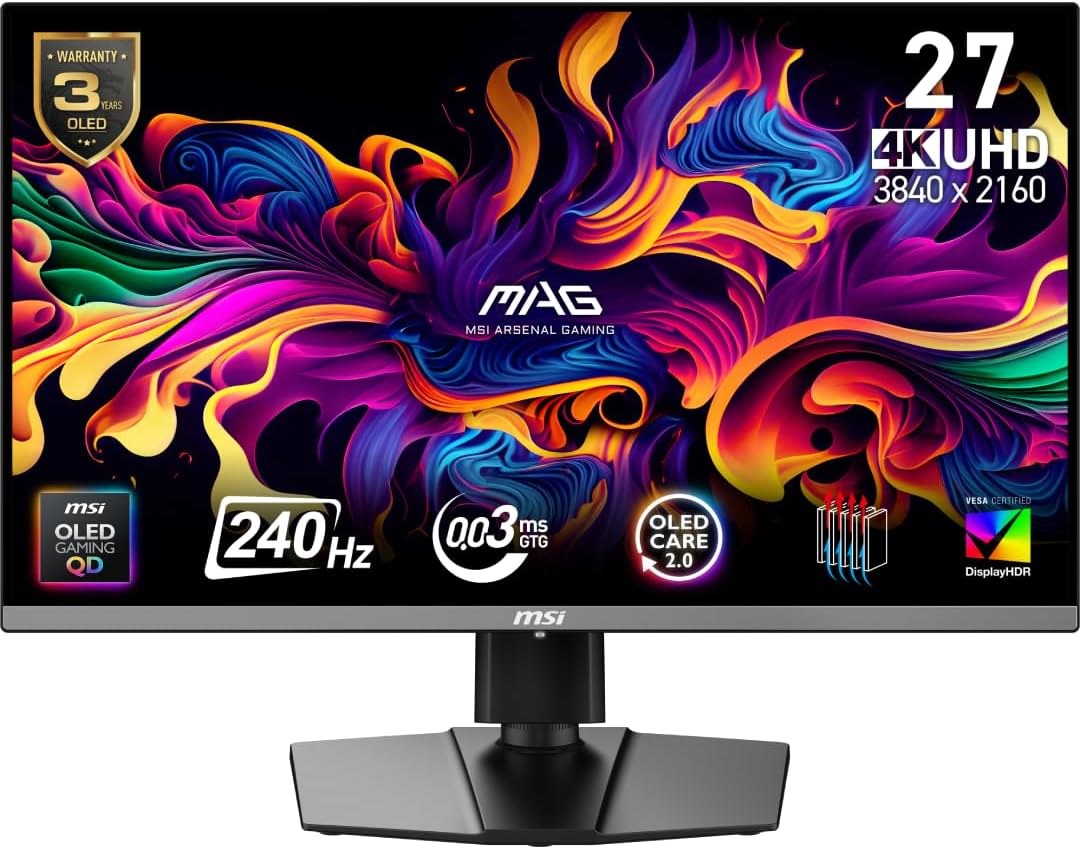
Panel: 26.5-inch 3840 × 2160 QD-OLED
Refresh: Up to 240Hz
Ports: 2 × HDMI 2.1, DisplayPort 1.4a, USB-C (15W)
Which size makes sense?
At the same viewing distance, 27-inch 4K looks denser and 32-inch 4K looks bigger. For a compact desk or mixed work and gaming, the 27-inch IPS is the easy starting point. For a larger desk and a more expansive 4K picture, compare the 32-inch IPS’s live price. Choose the QD-OLED when its panel quality and 240Hz 4K mode justify the premium, while allowing for OLED care in long static desktop sessions. Check the exact MSI suffix at checkout: these similar names refer to different screens.