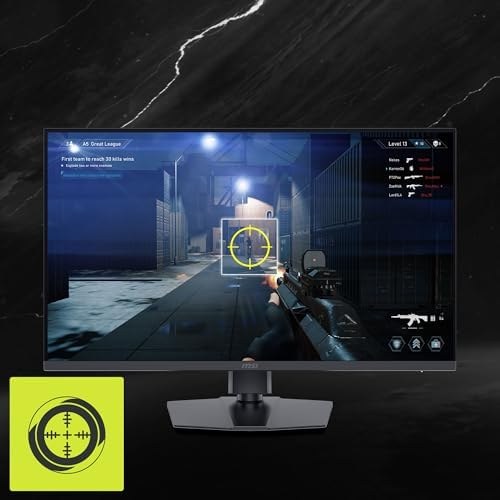
A console does not need a 240Hz or 300Hz monitor simply because the monitor can run that fast from a PC. PlayStation’s video settings cover 4K at 120Hz and 1440p at 60Hz or 120Hz on supported displays and games. Xbox lists up to 120fps for supported content. For a console-first purchase, check 4K or 1440p support, HDMI timing and variable refresh rate before paying for PC-only headline refresh rates.
| Monitor | Native resolution | Console-relevant detail |
|---|---|---|
| MSI MAG 322URDF E16 | 3840 × 2160 | Two HDMI 2.1 inputs, 4K/120Hz console mode and VRR support |
| MSI MAG 271QP QD-OLED X28 | 2560 × 1440 | 1440p/120Hz console mode, VRR support, OLED contrast |
| MSI MAG 275QF | 2560 × 1440 | HDMI accepts native QHD up to 144Hz; basic 1440p option |
A 32-inch 4K screen for PS5 or Series X
The MAG 322URDF E16 is a 31.5-inch 4K IPS screen with two HDMI 2.1 inputs. MSI explicitly lists 2160p at 60Hz and 120Hz in console mode, with VRR support for PS5 and Xbox. Its 160Hz 4K maximum is for a capable PC. The alternate 320Hz mode runs at 1080p, which is no reason to buy it for a console capped at 120Hz output. A 32-inch screen also needs more desk depth than a 27-inch model.
MSI MAG 322URDF E16
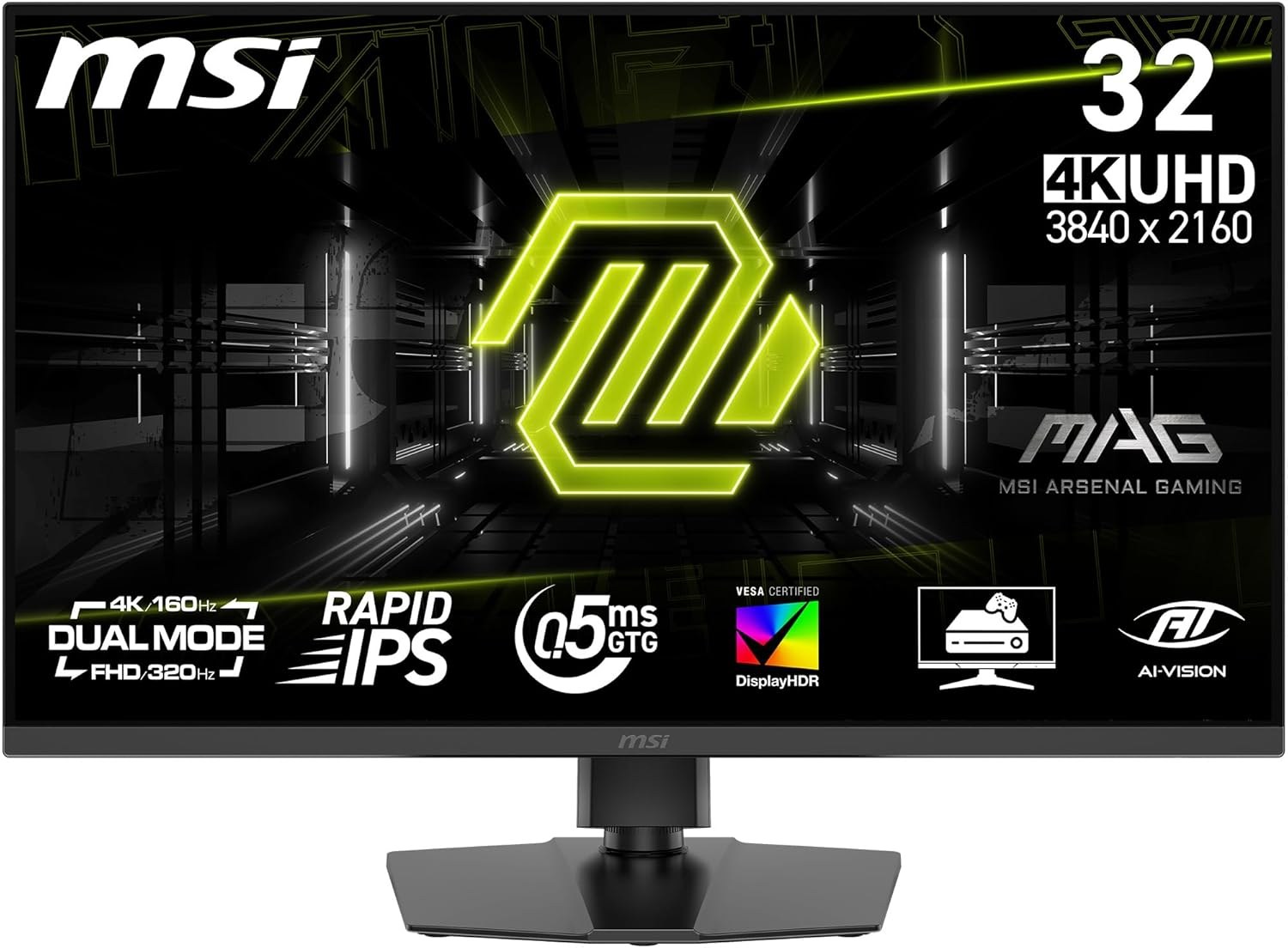
Panel: 31.5-inch IPS
Refresh: 4K 160Hz or 1080p 320Hz
Ports: 2 × HDMI 2.1, DisplayPort 1.4a
A 27-inch OLED for darker games
The MAG 271QP QD-OLED X28 has a 26.5-inch 1440p QD-OLED panel. MSI lists 1440p/120Hz and VRR support for PS5 and Xbox, plus two HDMI 2.1 ports. The console will not use its full 280Hz ceiling, but the pixel-level contrast and fast transitions remain visible. Its three-year warranty includes panel burn-in; built-in OLED care features are relevant if the display also spends long hours showing static PC windows.
MSI MAG 271QP QD-OLED X28
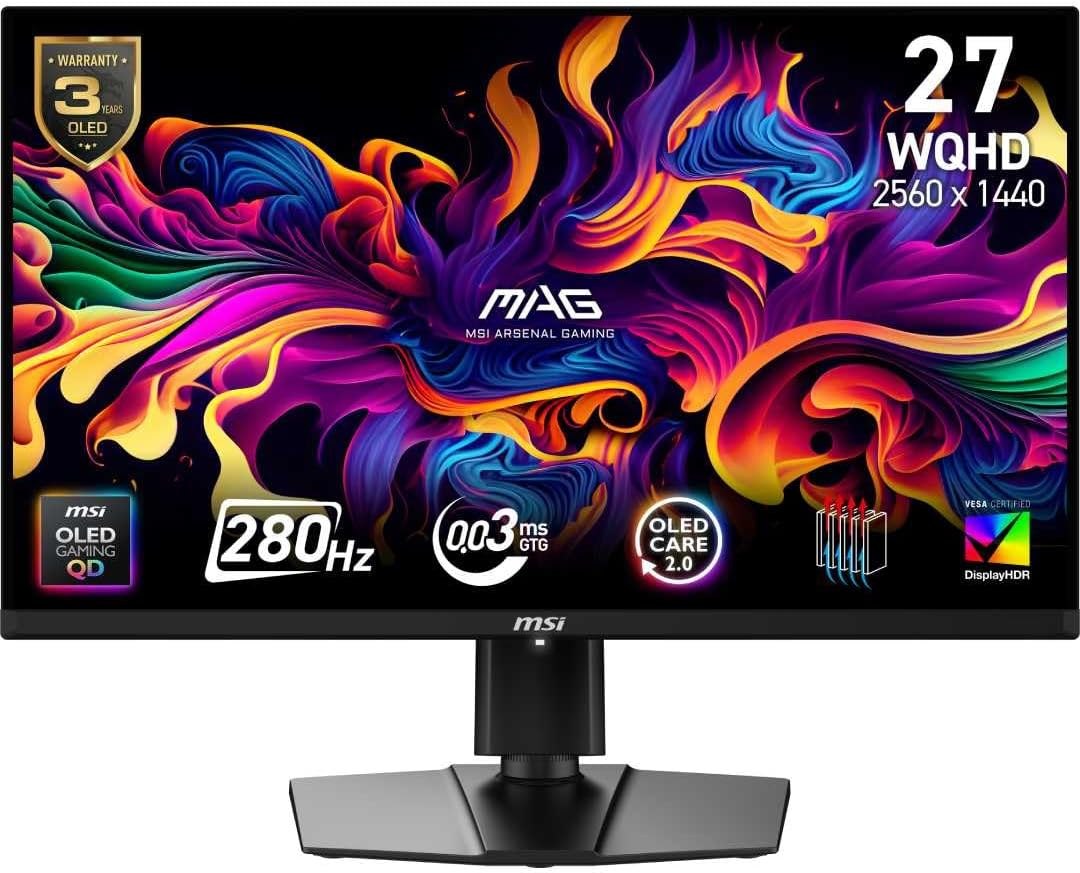
Panel: 26.5-inch 2560 × 1440 QD-OLED
Refresh: Up to 280Hz
Ports: 2 × HDMI 2.1, DisplayPort 1.4a, USB-C (15W)
A lower-cost 1440p route
The MAG 275QF is a 27-inch QHD IPS screen whose HDMI input supports up to 144Hz at native resolution. That comfortably covers a 1440p/120Hz output when a supported console and game offer it. It gives up 4K detail and OLED black levels, but those may be sensible compromises for a smaller desk or a lower total spend. The stand only tilts, so check its screen height before choosing it for a fixed console setup.
MSI MAG 275QF
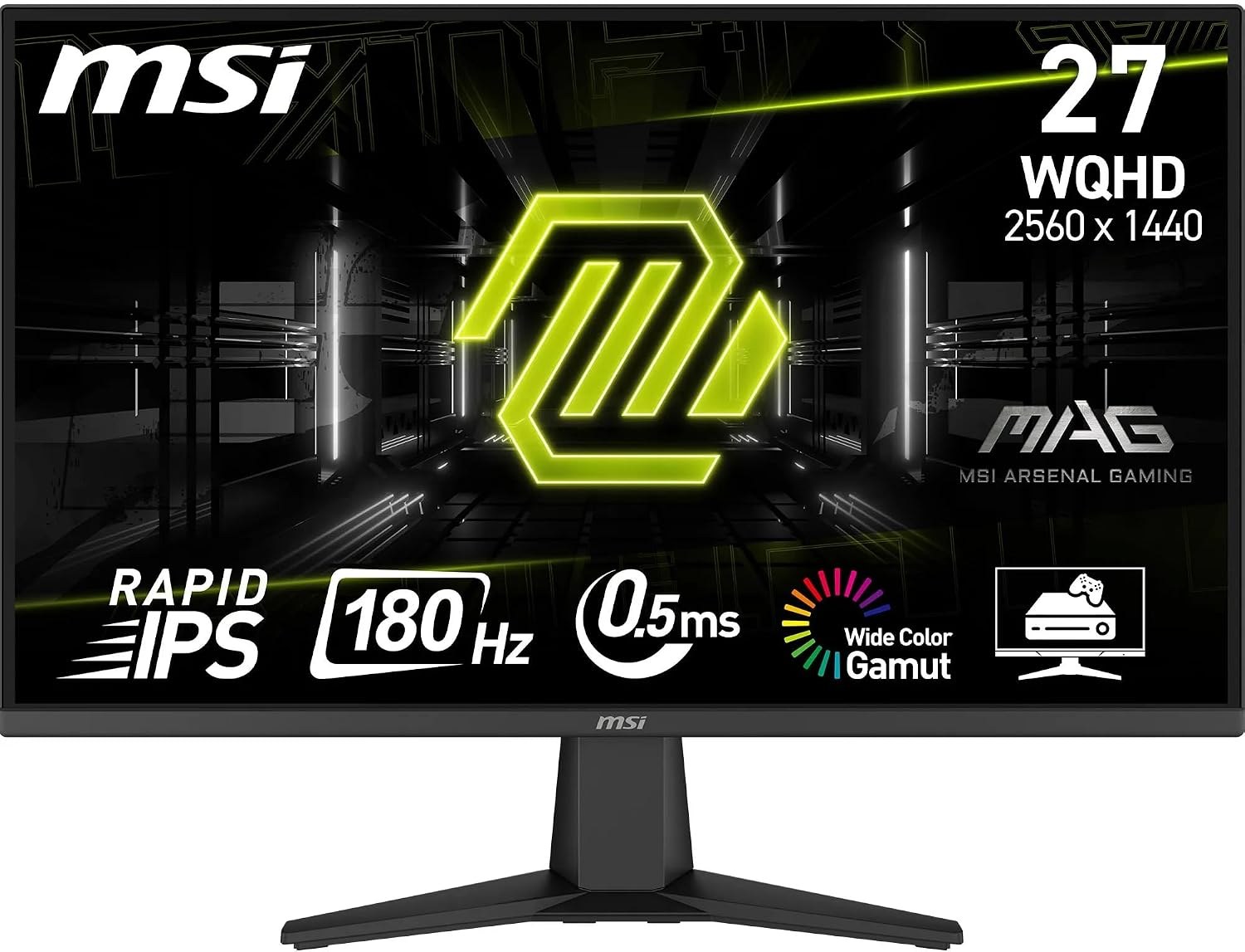
Panel: 27-inch 2560 × 1440 Rapid IPS
Refresh: 180Hz DisplayPort; 144Hz HDMI
Stand: Tilt adjustment
Check the console’s reported signal
After connecting a monitor, inspect the console’s video-output information for the actual resolution, 120Hz and VRR status. A game also has to offer a 120fps mode to benefit from 120Hz output. HDMI cable quality and individual console settings can affect what the system detects; the monitor’s advertised PC maximum is not the result to expect automatically.