“240Hz” describes how often a monitor can update, not how many frames your computer will produce. These three monitors can all reach 240Hz, but 4K contains four times as many pixels as 1080p. That changes the graphics card requirement far more than the matching refresh-rate labels suggest.
| Model | Resolution | Pixels per frame | 240Hz connection |
|---|---|---|---|
| MSI MAG 255F X24 | 1920 × 1080 | 2.07 million | HDMI or DisplayPort |
| MSI MAG 274QF X24 | 2560 × 1440 | 3.69 million | DisplayPort; HDMI capped at 144Hz |
| MSI MAG 272UP QD-OLED X24 | 3840 × 2160 | 8.29 million | HDMI 2.1 or DisplayPort |
1080p at 240Hz: aim for frame rate
The 24.5-inch MAG 255F X24 is a Rapid IPS monitor for competitive games where a high frame rate is realistic. MSI lists 240Hz over HDMI and DisplayPort. At 1080p, a midrange PC has less pixel work to do than at 1440p or 4K. You give up the finer text and distant detail of those resolutions, especially if this is also a work screen. Its stand only tilts, which may matter on a compact desk.
MSI MAG 255F X24
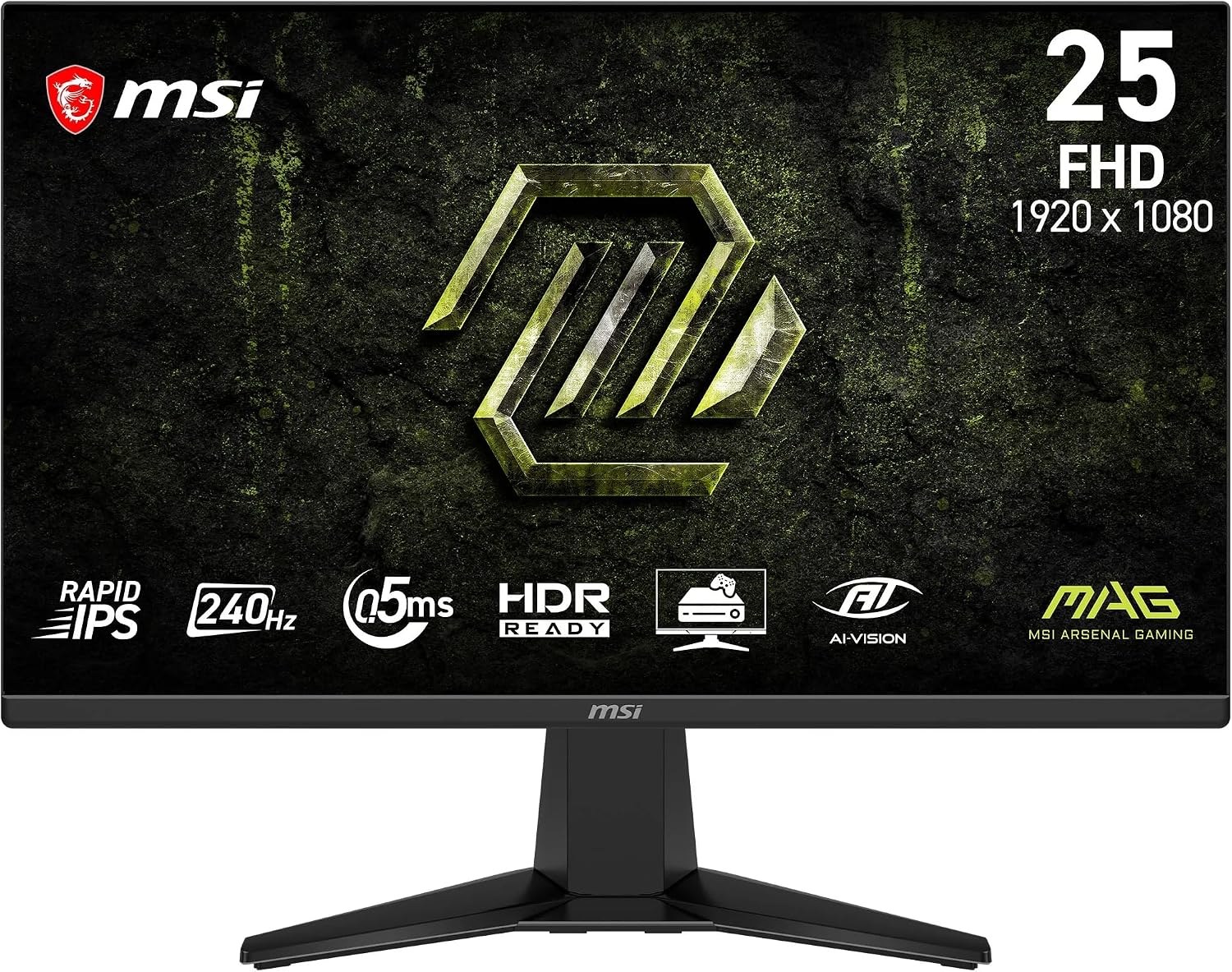
Panel: 24.5-inch 1920 × 1080 Rapid IPS
Refresh: Up to 240Hz
Stand: Tilt adjustment
1440p at 240Hz: the middle ground, with a port catch
The 27-inch MAG 274QF X24 uses a 2560 × 1440 Rapid IPS panel. Its 3.69 million pixels per frame are about 78% more than 1080p, but less than half the 4K count. The connection matters: MSI’s specification gives DisplayPort 1.4a the full 240Hz and limits HDMI 2.0b to 144Hz at native resolution. The Amazon title says HDMI 2.1, so use the manufacturer’s timing table rather than the listing headline when buying for an HDMI-only device.
MSI MAG 274QF X24
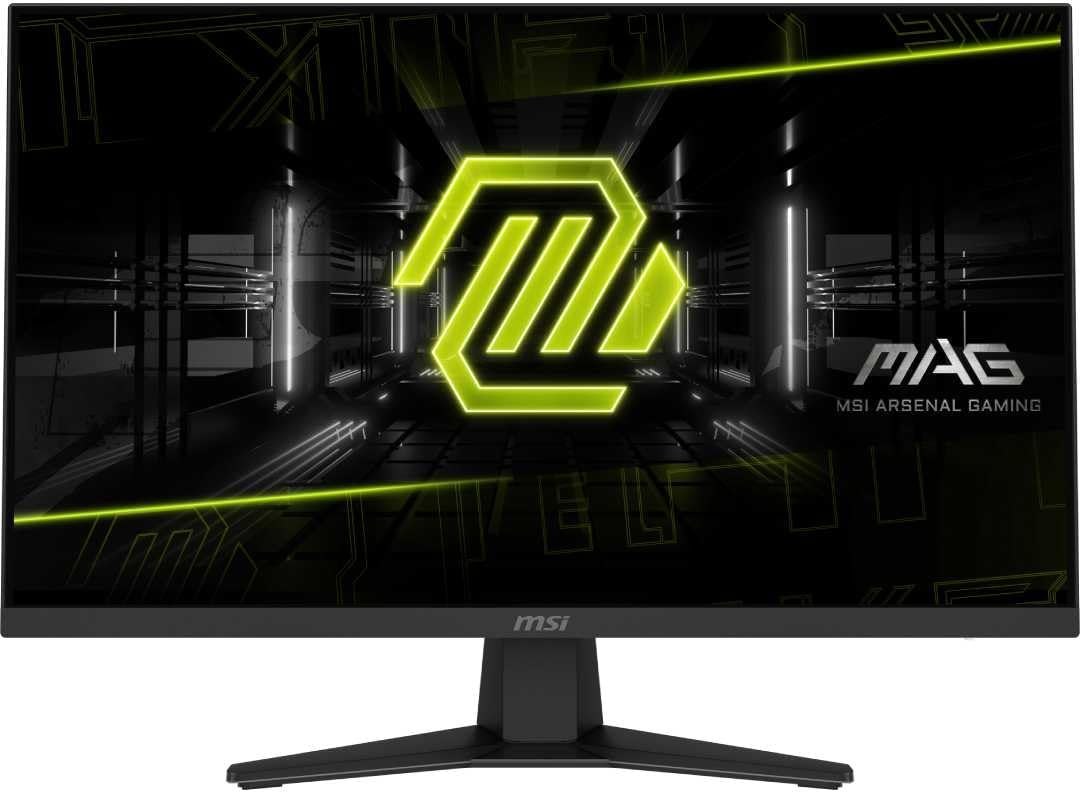
Panel: 27-inch 2560 × 1440 Rapid IPS
Refresh: 240Hz DisplayPort; 144Hz HDMI
Stand: Tilt adjustment
4K at 240Hz: the premium image and the hardest workload
The 26.5-inch MAG 272UP QD-OLED X24 combines 4K resolution, QD-OLED contrast and 240Hz. MSI lists 4K 240Hz over both HDMI 2.1 and DisplayPort. OLED’s fast pixel transitions can make motion look clearer than a similarly rated LCD, but the full 240Hz mode is only useful if the source can feed it enough frames. A graphics card that runs a demanding game at 240fps in 1080p may fall far short at 4K; upscaling, settings or a lower frame rate may be needed. The 15W USB-C port is a display input, not a high-power laptop charger.
MSI MAG 272UP QD-OLED X24
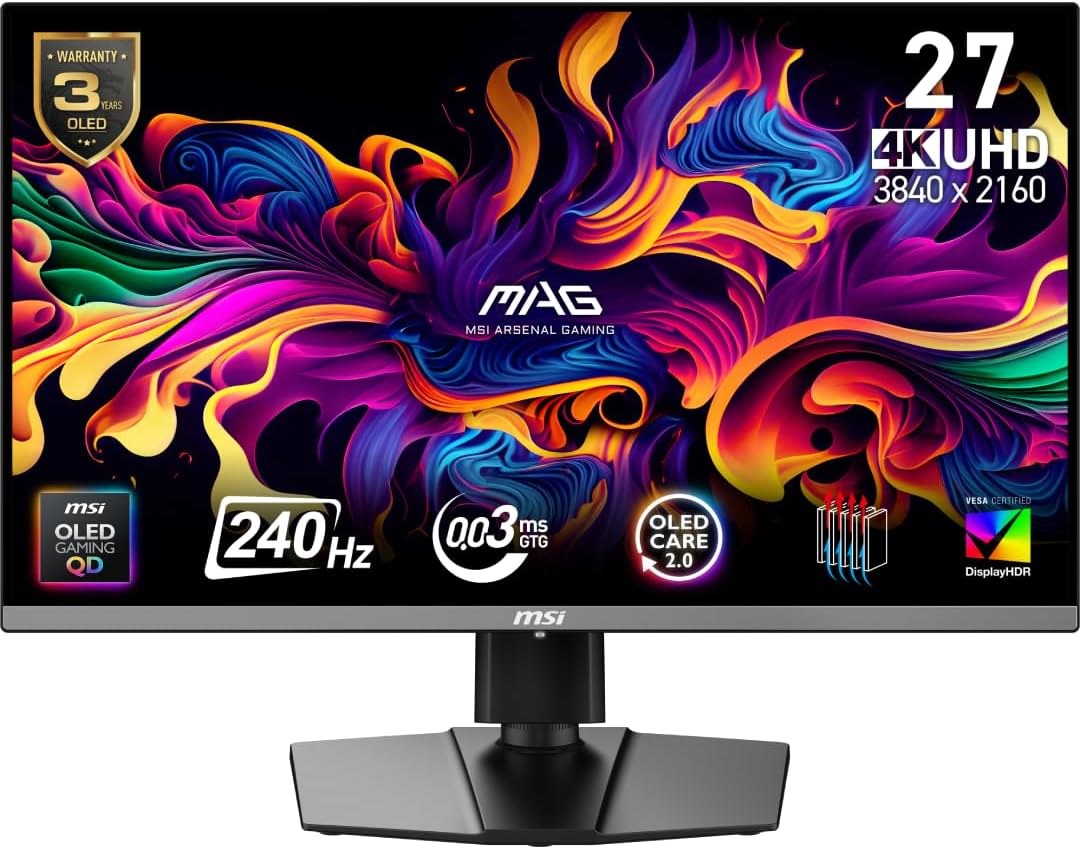
Panel: 26.5-inch 3840 × 2160 QD-OLED
Refresh: Up to 240Hz
Ports: 2 × HDMI 2.1, DisplayPort 1.4a, USB-C (15W)
Match the screen to the games you play
For competitive games on a modest GPU, start with the 1080p model. If your PC can run your favourites at high frame rates in QHD and you also use the desktop for reading or work, the 1440p screen is a strong compromise, provided you have DisplayPort. Choose 4K OLED for image detail and dark-scene contrast, with 240Hz as headroom rather than an assumed frame rate. Check benchmarks for your own GPU and games before paying for a refresh ceiling you cannot reach.