At 27 inches, 2560 × 1440 gives games and desktop text more detail than 1080p without the graphics load of 4K. The harder question is whether a faster refresh rate is useful for your games and PC. A 300Hz panel can show more updates than a 180Hz one, but only when the graphics card supplies those frames and the chosen cable and input accept the signal.
| Model | Max refresh | Connection to check | Supplied stand |
|---|---|---|---|
| MSI MAG 275QF | 180Hz | DisplayPort for 180Hz; HDMI up to 144Hz | Tilt |
| LG 27G610A-B | 200Hz | Confirm supported timing for your source | Height, tilt, swivel, pivot |
| MSI MAG 274QF X24 | 240Hz | DisplayPort for 240Hz; HDMI up to 144Hz | Tilt |
| ASUS TUF VG27AQM5A | 300Hz | HDMI 2.1 or DisplayPort 1.4 from a capable PC | Tilt and swivel; no height |
The 180Hz MSI is a sensible starting point
The MAG 275QF has a 27-inch Rapid IPS panel, FreeSync and two HDMI sockets. MSI’s own timing table puts 180Hz on DisplayPort and 144Hz on HDMI. For single-player games and a mixed work desk, the move from 180Hz to 300Hz may matter less than a better stand or a brighter screen. Its stand only tilts, so include a monitor arm in the cost if height adjustment is important.
MSI MAG 275QF
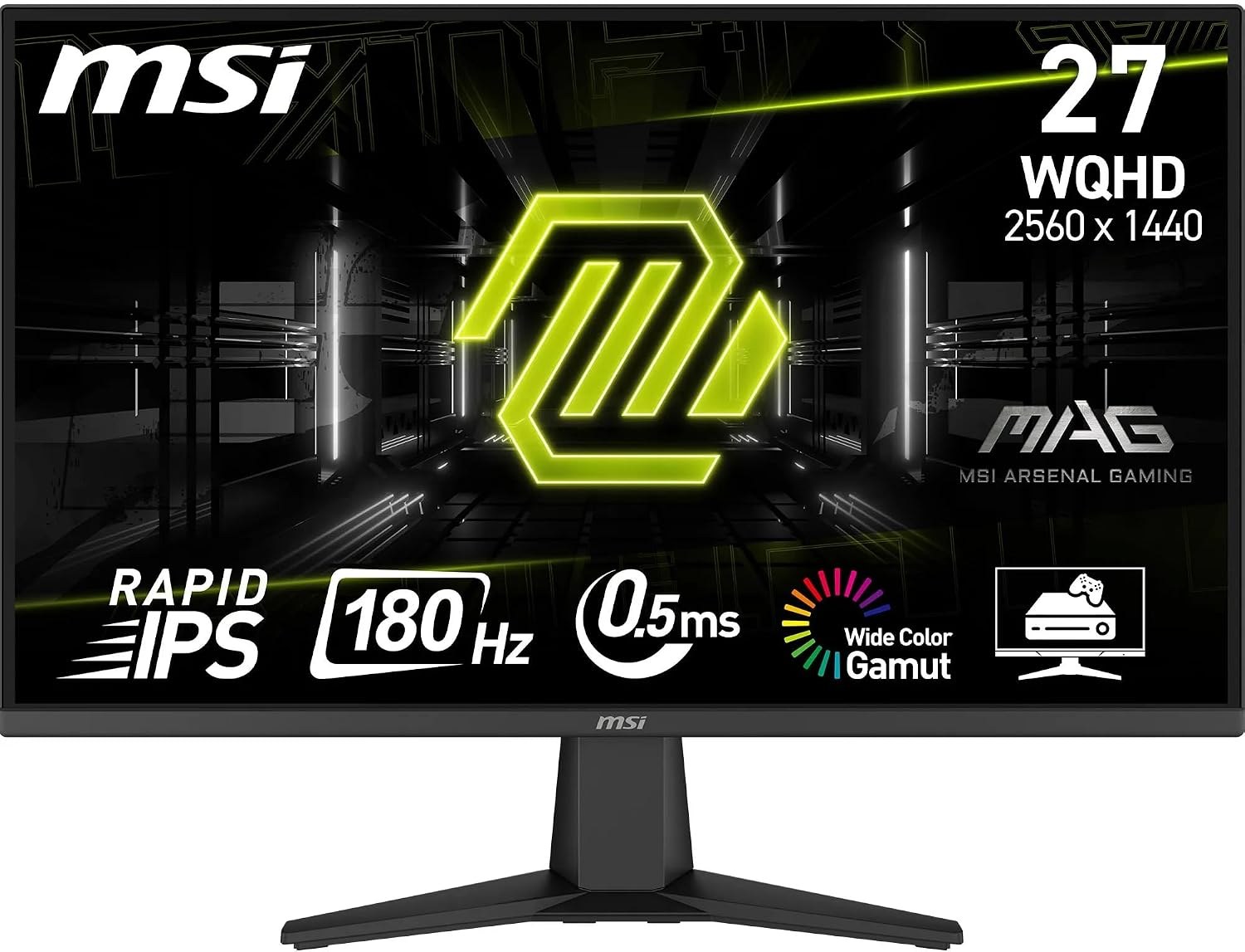
Panel: 27-inch 2560 × 1440 Rapid IPS
Refresh: 180Hz DisplayPort; 144Hz HDMI
Stand: Tilt adjustment
LG trades a little more speed for desk flexibility
The 27G610A-B reaches 200Hz and provides height, tilt, swivel and pivot adjustment according to LG’s specification. That stand is useful when switching between games and long work sessions. It has a 1440p IPS panel and DisplayHDR 400 certification. Neither specification alone tells you how dark a game will look in your room; IPS contrast remains a reason to consider OLED if dark-scene quality is the priority.
LG UltraGear 27G610A-B
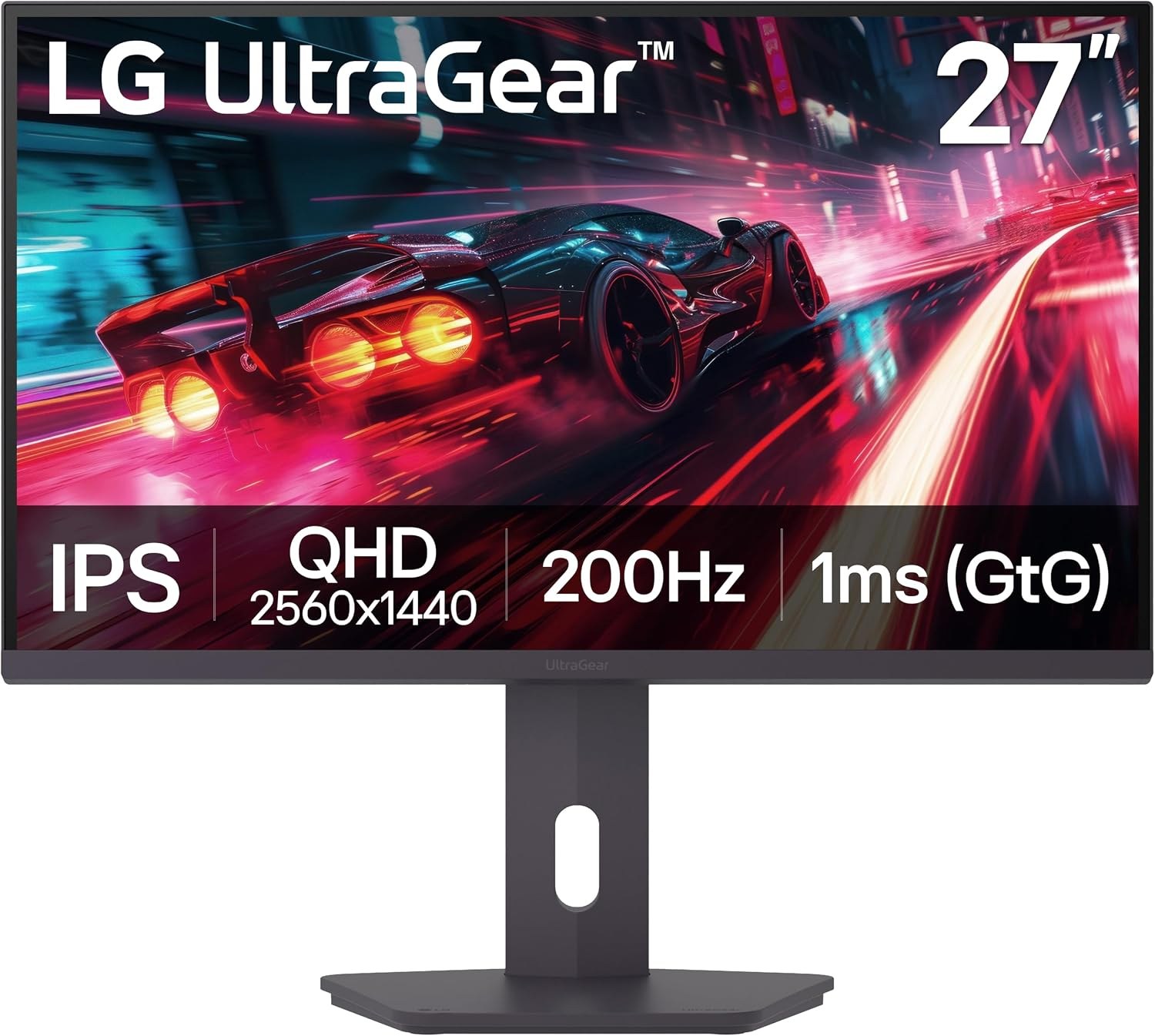
Panel: 27-inch 2560 × 1440 IPS
Refresh: Up to 200Hz
Stand: Height, tilt, swivel and pivot
The 240Hz MSI needs DisplayPort
The MAG 274QF X24 suits a PC that can regularly exceed 180 frames per second at 1440p. MSI lists 240Hz over DisplayPort and only 144Hz over HDMI 2.0b. That matters because its Amazon listing calls the input HDMI 2.1; the manufacturer table is more specific about the real limit. The X24 also has a tilt-only stand. If its price is close to the 180Hz model, the extra refresh headroom is attractive; for an HDMI-only setup, it buys no increase over 144Hz.
MSI MAG 274QF X24
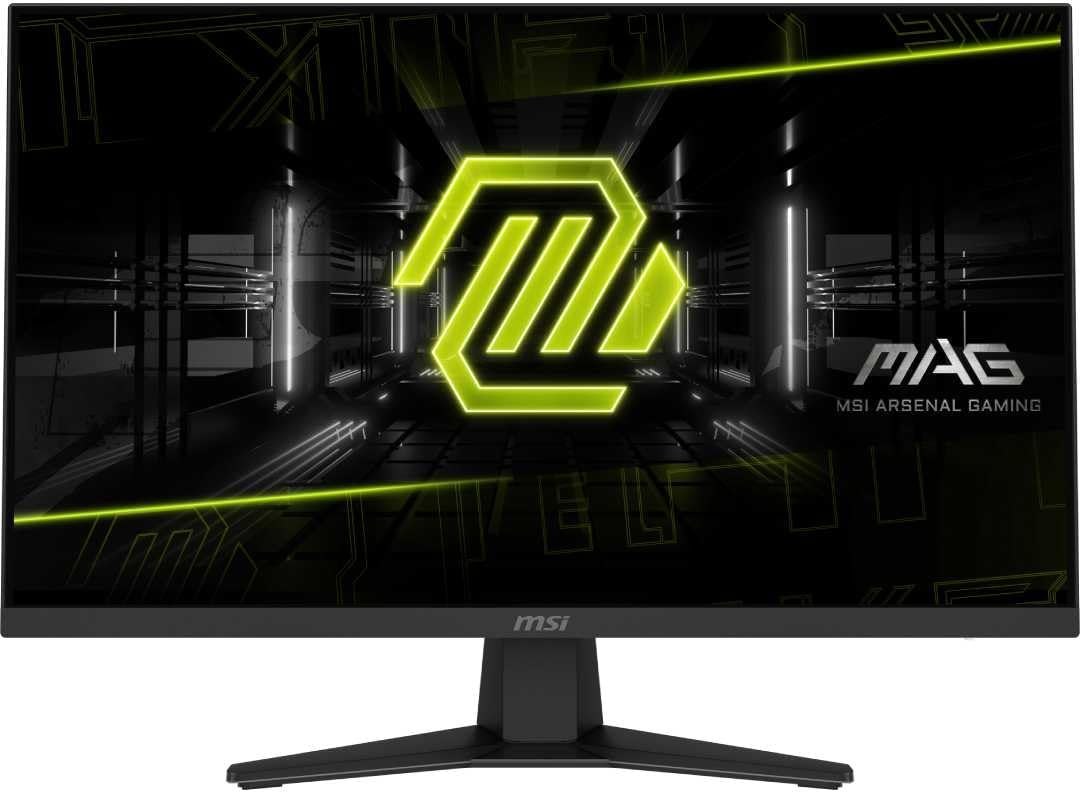
Panel: 27-inch 2560 × 1440 Rapid IPS
Refresh: 240Hz DisplayPort; 144Hz HDMI
Stand: Tilt adjustment
ASUS brings 300Hz and different inputs
The VG27AQM5A specification lists a 27-inch Fast IPS 1440p panel, 300Hz, two HDMI 2.1 ports and DisplayPort 1.4. It is the stronger fit when an HDMI-connected PC needs high refresh, or when competitive games routinely run at very high frame rates. The included stand cannot move up and down. A VESA 100 × 100 monitor arm is an option if the screen sits too low.
ASUS TUF Gaming VG27AQM5A
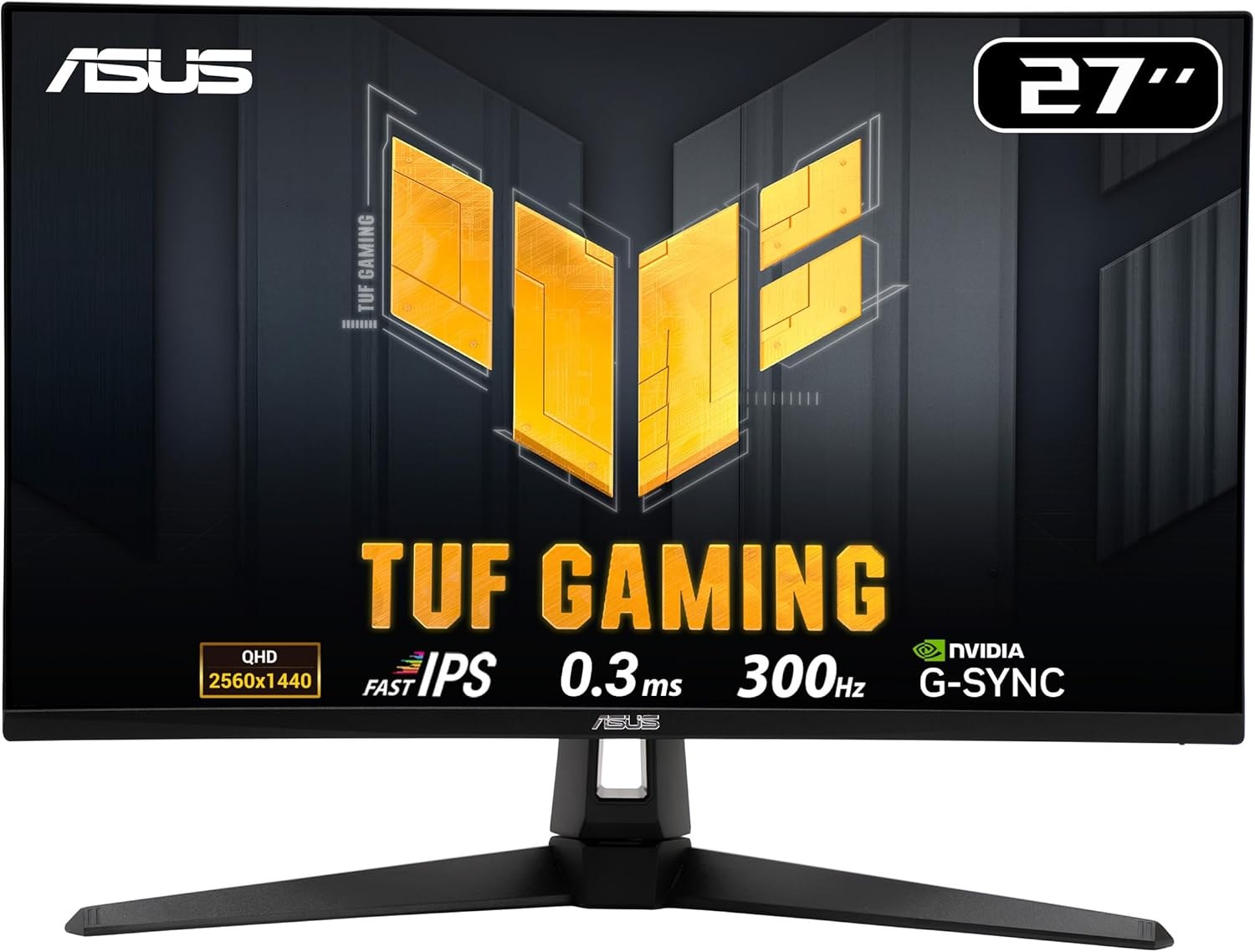
Panel: 27-inch 2560 × 1440 Fast IPS
Refresh: Up to 300Hz
Ports: 2 × HDMI 2.1, DisplayPort 1.4
Choose the bottleneck you can actually remove
If your games usually run below 180fps, resolution, stand adjustment and live price should lead the decision. If they often exceed 200fps, a 240Hz or 300Hz screen can display more of those frames. Before buying, check the exact port on the computer and the monitor’s supported timing table, not just the largest refresh number printed on the box.