“HDR” on a box does not tell you how bright highlights will look next to a dark scene. HDR10 describes an input format a screen can accept. VESA DisplayHDR and DisplayHDR True Black are performance certifications with defined tests. Panel contrast, brightness and local control of light still determine how convincing an HDR game looks.
| Example | Published label | What it establishes |
|---|---|---|
| Samsung Odyssey G5 G51C | HDR10 | Accepts an HDR10 signal; no DisplayHDR performance tier stated |
| LG UltraGear 27G610A-B | VESA DisplayHDR 400 | Meets a baseline certified HDR performance tier |
| MSI MAG 272UP QD-OLED X24 | VESA DisplayHDR True Black 400 | Certified emissive-display tier with much deeper black-level requirement |
HDR10 is a format, not a brightness score
Samsung lists HDR10 for the G51C. It also lists a flat VA panel with a 3000:1 typical contrast ratio, which can give an LCD reasonably dark blacks. HDR10 support does not, on its own, certify a particular peak brightness or local dimming result. The same principle applies to monitors whose only HDR claim is “HDR ready.” If HDR is a priority, look beyond the presence of the input-format label.
Samsung Odyssey G5 G51C 32-inch
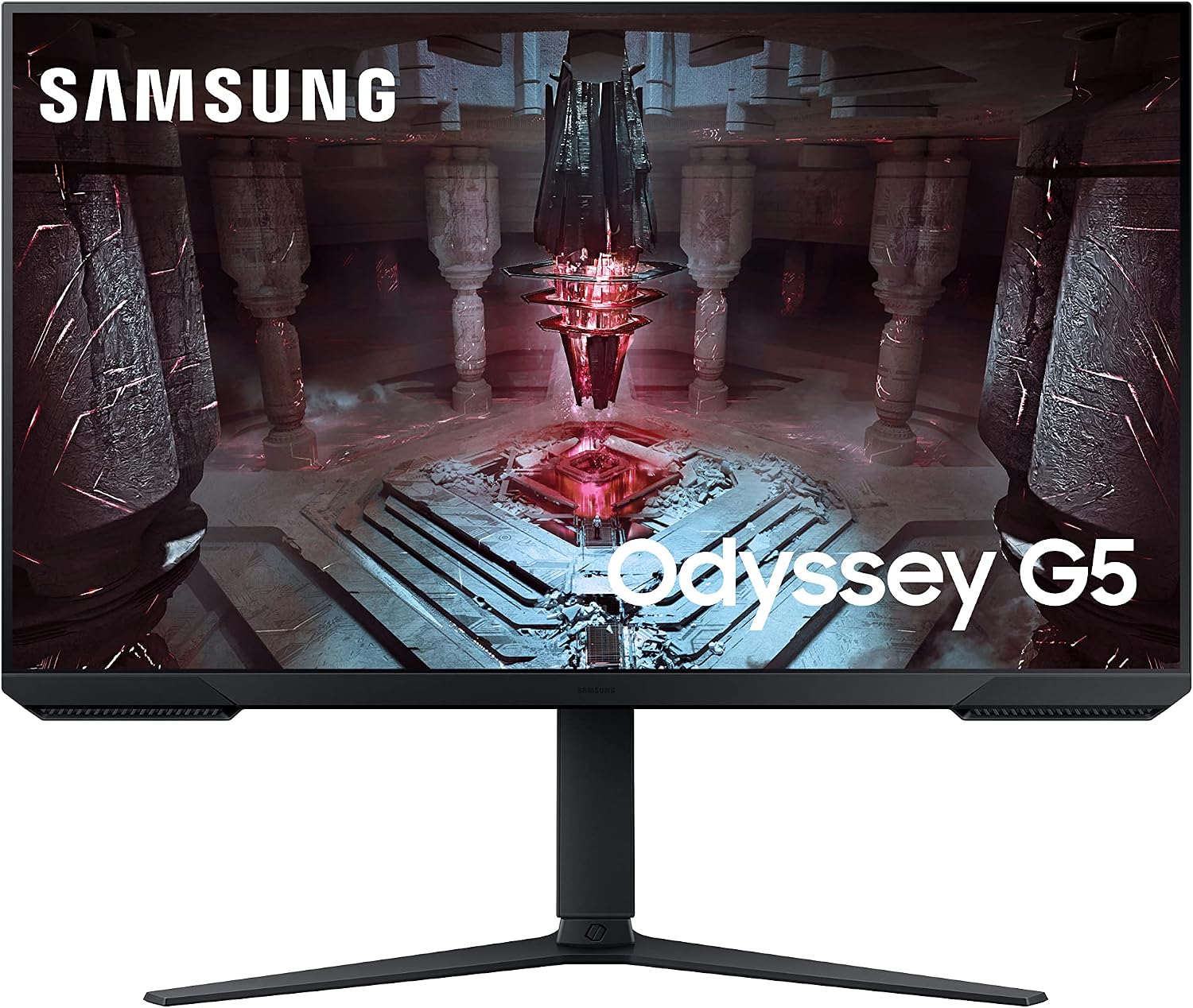
Panel: 32-inch flat 2560 × 1440 VA
Refresh: Up to 165Hz
Stand: Height, tilt, swivel and pivot
DisplayHDR 400 is a measured baseline
LG lists the 27-inch 27G610A-B as VESA DisplayHDR 400 certified. VESA’s criteria specify brightness, contrast, colour and other tests for its tiers. That is more information than an unqualified HDR10 logo. It still does not mean this IPS monitor can turn off individual pixels in dark scenes. VESA’s newer criteria also differ from older certification versions, so the tier is a starting point for comparison rather than a complete picture-quality verdict.
LG UltraGear 27G610A-B
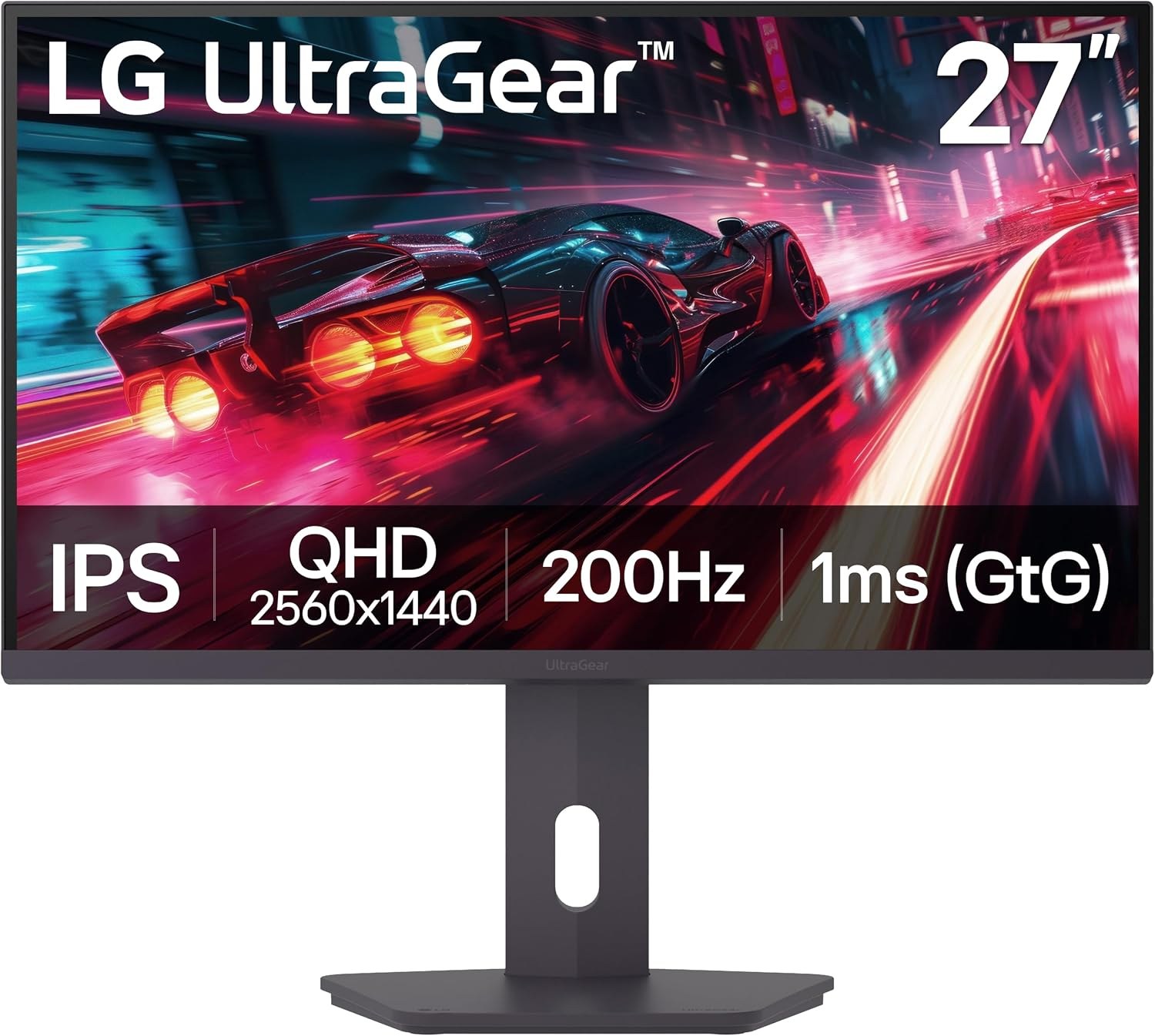
Panel: 27-inch 2560 × 1440 IPS
Refresh: Up to 200Hz
Stand: Height, tilt, swivel and pivot
True Black reflects what OLED can do
MSI specifies DisplayHDR True Black 400 for the 4K 272UP QD-OLED X24. OLED pixels emit their own light and can shut off for a black pixel. VESA’s True Black criteria apply a much lower black-level limit than the standard DisplayHDR 400 tier. The “400” in both names does not mean the two screens will render dark game scenes alike. The OLED’s 240Hz ceiling and 4K pixel count are separate considerations: neither HDR label predicts the frame rate your PC can supply.
MSI MAG 272UP QD-OLED X24
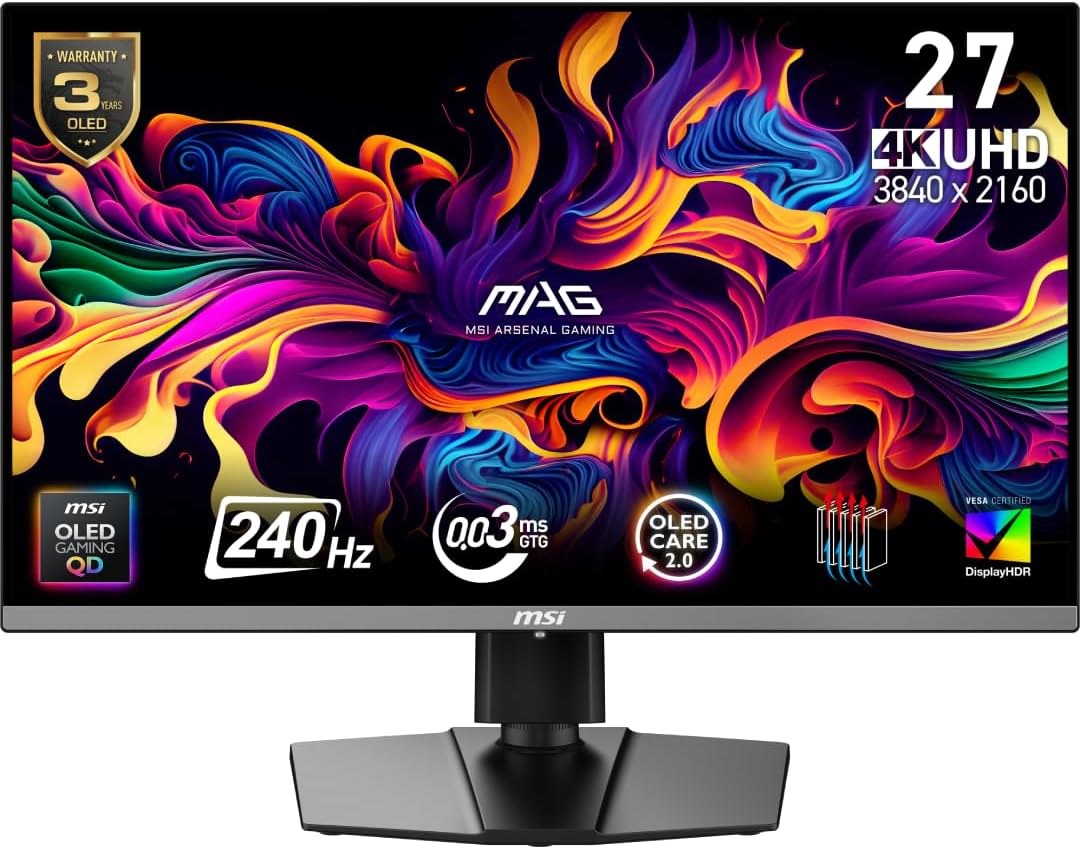
Panel: 26.5-inch 3840 × 2160 QD-OLED
Refresh: Up to 240Hz
Ports: 2 × HDMI 2.1, DisplayPort 1.4a, USB-C (15W)
What to check before paying extra for HDR
First confirm the game and source can output HDR to the monitor. Then look for the exact certification, the panel type and whether the display controls light locally. For a dark-room gaming setup, an OLED’s per-pixel blacks can be a larger visible change than moving between two baseline LCD HDR labels. For a bright room or long hours of static desktop use, brightness, reflections and OLED care may matter more. No HDR badge replaces checking the exact model’s specification.