OLED’s pixel-level light control gives all three monitors deep blacks, but their shapes and resolutions make them different purchases. A 27-inch 1440p panel is easier to drive at a high frame rate. A 27-inch 4K panel is much sharper. A 34-inch 21:9 screen gives PC games more width when they support the format. Decide which format fits your PC and desk before comparing refresh-rate numbers.
| Model | Screen | Maximum refresh | Pixels per frame |
|---|---|---|---|
| MSI MAG 271QP QD-OLED X28 | 26.5-inch 2560 × 1440 | 280Hz | 3.69 million |
| MSI MAG 272UP QD-OLED X24 | 26.5-inch 3840 × 2160 | 240Hz | 8.29 million |
| Samsung Odyssey OLED G8 G85SD | 34-inch 3440 × 1440 | 175Hz | 4.95 million |
MSI MAG 271QP QD-OLED X28: high frame rates at 1440p
The 271QP X28 specification lists 280Hz at 2560 × 1440 over HDMI, DisplayPort and USB-C. It suits a fast PC and games where maintaining a high frame rate matters. Resolution is the trade-off: at the same 27-inch size, 1440p text and fine detail are less crisp than 4K. MSI lists a three-year warranty including panel burn-in, plus OLED care functions for static elements.
MSI MAG 271QP QD-OLED X28
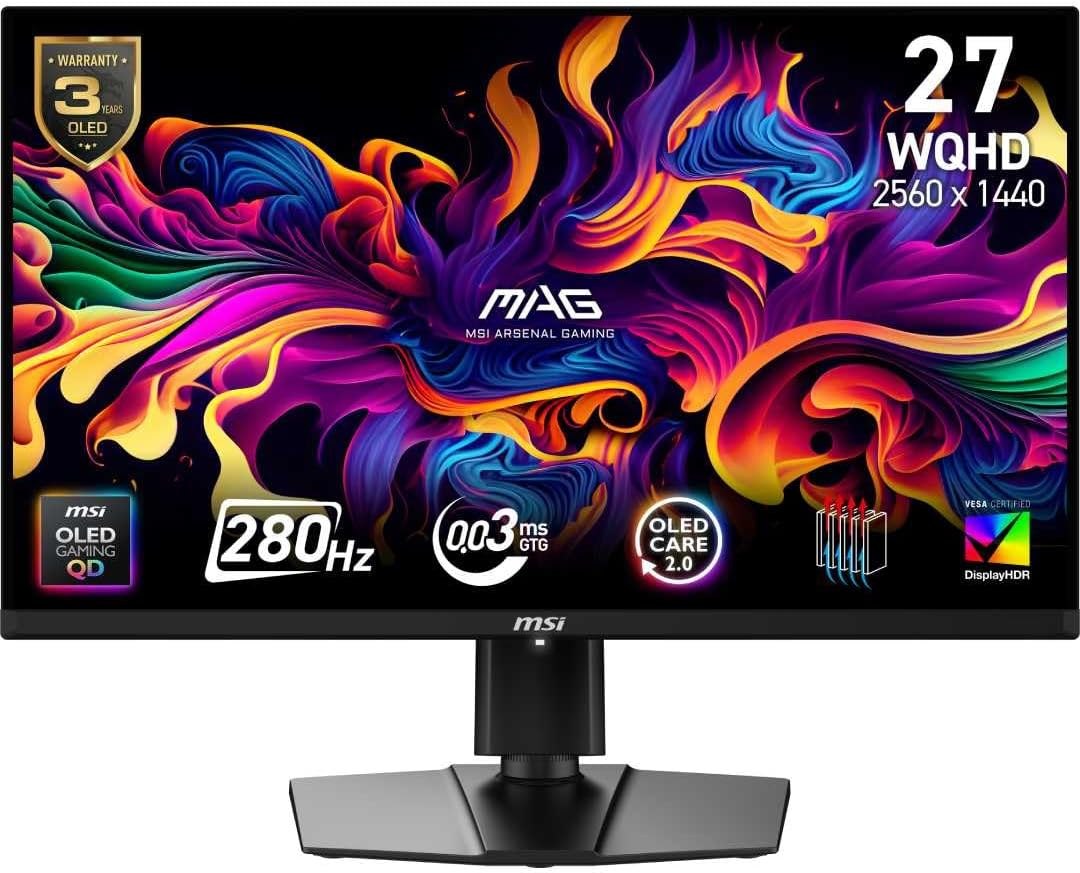
Panel: 26.5-inch 2560 × 1440 QD-OLED
Refresh: Up to 280Hz
Ports: 2 × HDMI 2.1, DisplayPort 1.4a, USB-C (15W)
MSI MAG 272UP QD-OLED X24: 4K on a 27-inch OLED
The 272UP X24 keeps a similar physical size and moves to 3840 × 2160 at 240Hz. That is more than twice the pixel count of the 1440p MSI, so reaching the same game frame rate is much harder. The high-density panel also gives desktop text a finer appearance. It has two HDMI 2.1 inputs and a USB-C display input, but the latter supplies only 15W and will not serve as a full-power laptop dock. MSI again specifies a three-year warranty including burn-in.
MSI MAG 272UP QD-OLED X24
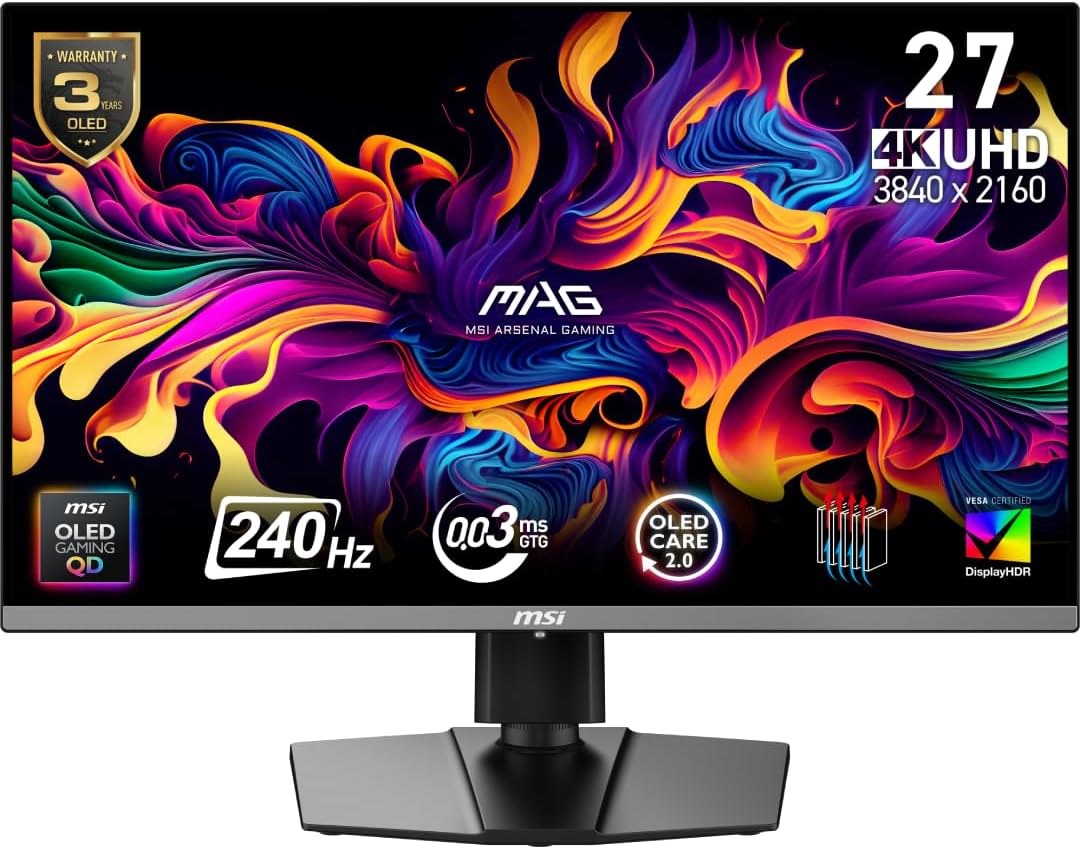
Panel: 26.5-inch 3840 × 2160 QD-OLED
Refresh: Up to 240Hz
Ports: 2 × HDMI 2.1, DisplayPort 1.4a, USB-C (15W)
Samsung Odyssey OLED G8 G85SD: 21:9 for PC games
Samsung’s Australian G85SD page specifies a curved 34-inch 3440 × 1440 OLED panel, 175Hz and a matte anti-glare finish. The wider screen can show more of a PC game when that game supports 21:9, and gives desktop windows room side by side. A console or 16:9 video generally leaves unused width at the sides. The G8 also includes Samsung’s smart features; those matter if the monitor will double as a streaming screen.
Samsung Odyssey OLED G8 G85SD
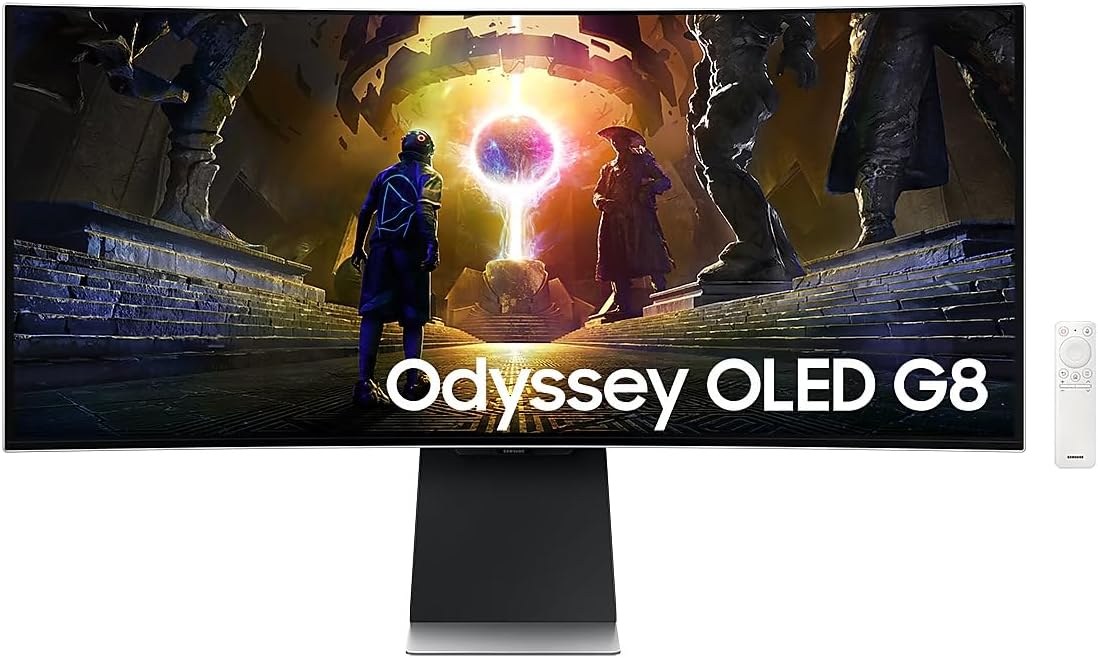
Panel: 34-inch 3440 × 1440 curved OLED
Refresh: Up to 175Hz
Surface: OLED Glare Free
What the panel warranty does and does not settle
OLED care features and warranty terms are worth reading before using any of these as an all-day desktop display with static taskbars or windows. A warranty does not make image retention impossible, and coverage can vary by region and use. For gaming first, choose the 1440p MSI for high-frame-rate PC play, the 4K MSI for sharper 16:9 detail, or the Samsung for a wide PC gaming view. Compare live prices for the exact model numbers rather than treating all OLED screens as the same upgrade.