A compact 1080p monitor makes sense when desk space is tight or high frame rates matter more than pixel count. At roughly 24 inches, these three IPS screens have the same 1920 × 1080 resolution. Their useful differences are refresh rate, size and the computer needed to make use of 240Hz.
| Model | Size | Maximum refresh | Best reason to consider it |
|---|---|---|---|
| AOC 24G42E | 23.8 inches | 180Hz | Compare its live price first if 180Hz is enough |
| MSI MAG 244F | 23.8 inches | 200Hz | A small step up in refresh without a bigger screen |
| MSI MAG 255F X24 | 24.5 inches | 240Hz | More refresh headroom for fast PC games |
AOC 24G42E: start with the price
The 24G42E has a 23.8-inch Fast IPS panel and HDMI and DisplayPort inputs. AOC’s manual specifies 1920 × 1080 at up to 180Hz. That is already a substantial jump from a 60Hz office screen. In games running at 100–180 frames per second, paying extra for a 240Hz label alone will not add frames the PC cannot deliver. Check the exact 24G42E model at checkout: nearby AOC model numbers can refer to different panels or stands.
AOC Gaming 24G42E
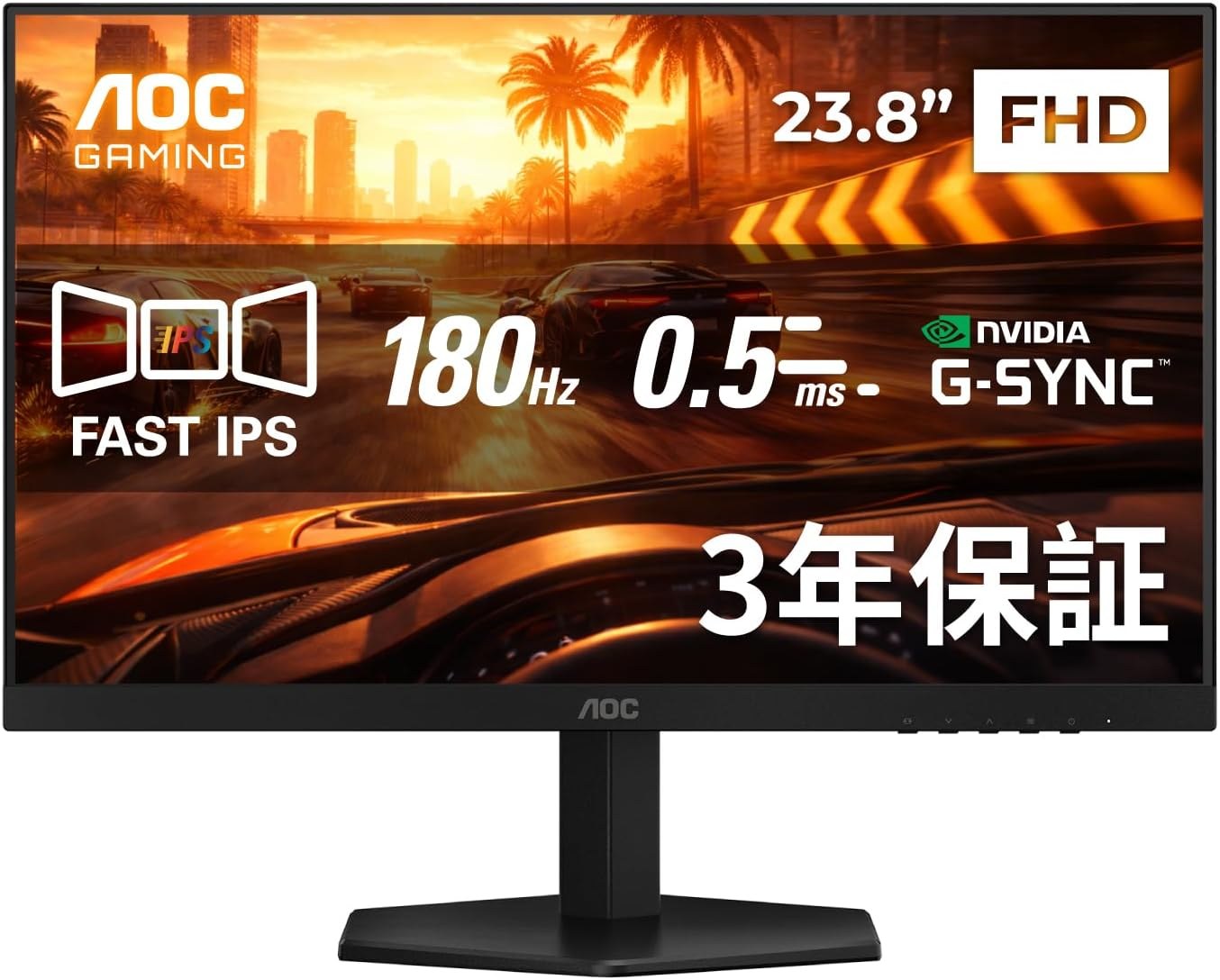
Panel: 23.8-inch 1920 × 1080 Fast IPS
Refresh: Up to 180Hz
Ports: HDMI and DisplayPort
MSI MAG 244F: 200Hz in the same footprint
MSI’s MAG 244F specification lists a 23.8-inch Rapid IPS panel, 200Hz over both DisplayPort and HDMI, FreeSync Premium and a tilt-adjustable stand. The extra 20Hz over the AOC is modest: one refresh takes 5ms at 200Hz versus about 5.6ms at 180Hz. The practical choice is the current price, warranty and whether the inputs suit your PC. The supplied stand cannot raise the screen, so budget for an arm if monitor height is important.
MSI MAG 244F
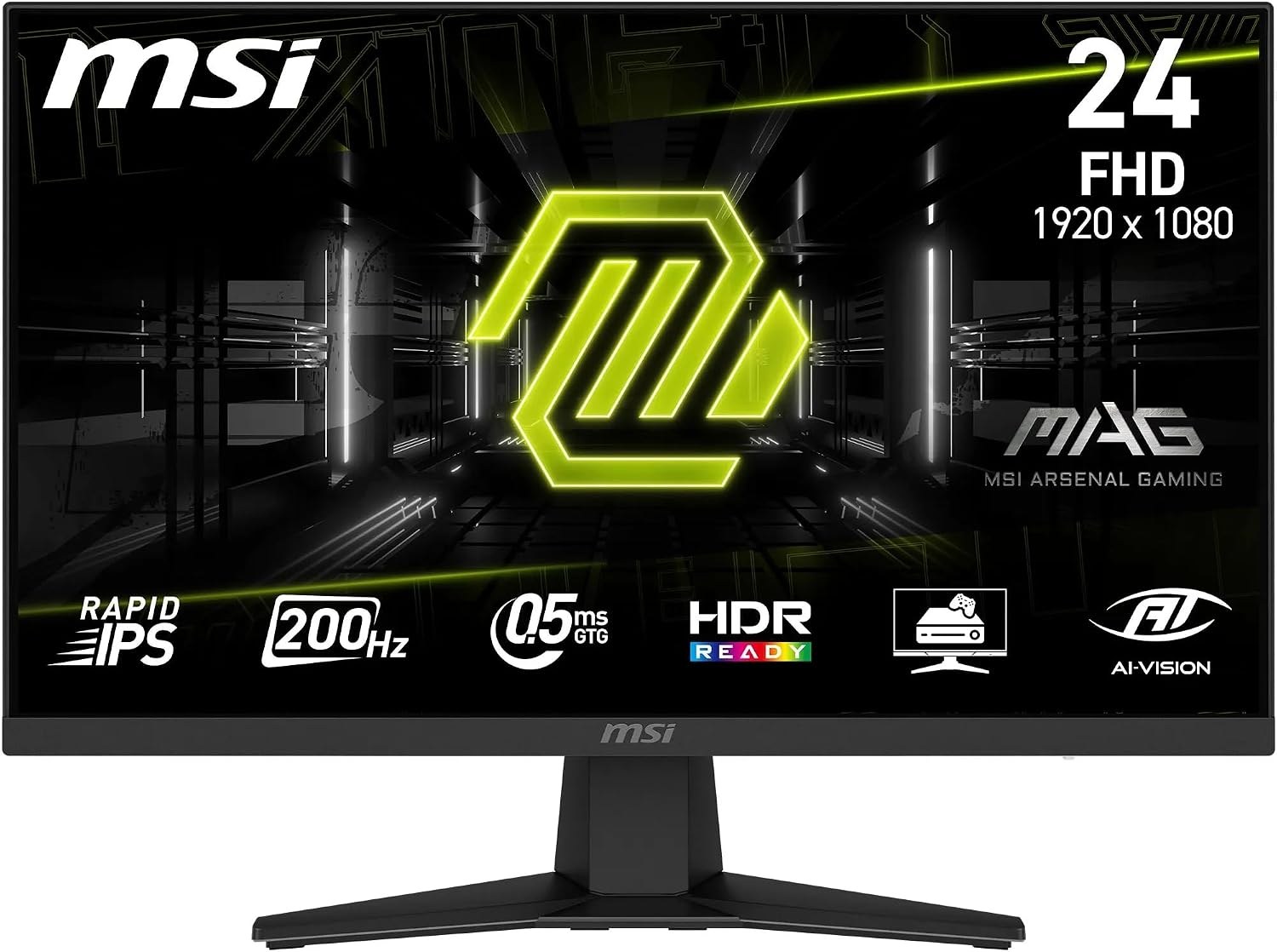
Panel: 23.8-inch 1920 × 1080 Rapid IPS
Refresh: Up to 200Hz
Stand: Tilt adjustment
MSI MAG 255F X24: for a PC that can reach 240fps
The MAG 255F X24 grows to 24.5 inches and reaches 240Hz at 1080p through HDMI or DisplayPort. A 240Hz display updates every 4.2ms, but the benefit over 180Hz depends on regularly getting high frame rates in the games you actually play. Its tilt-only stand is no upgrade over the MAG 244F’s. For competitive shooters at low or medium settings, the additional refresh range can be useful. For slower games, a 1440p monitor may be a more visible change for similar money.
MSI MAG 255F X24
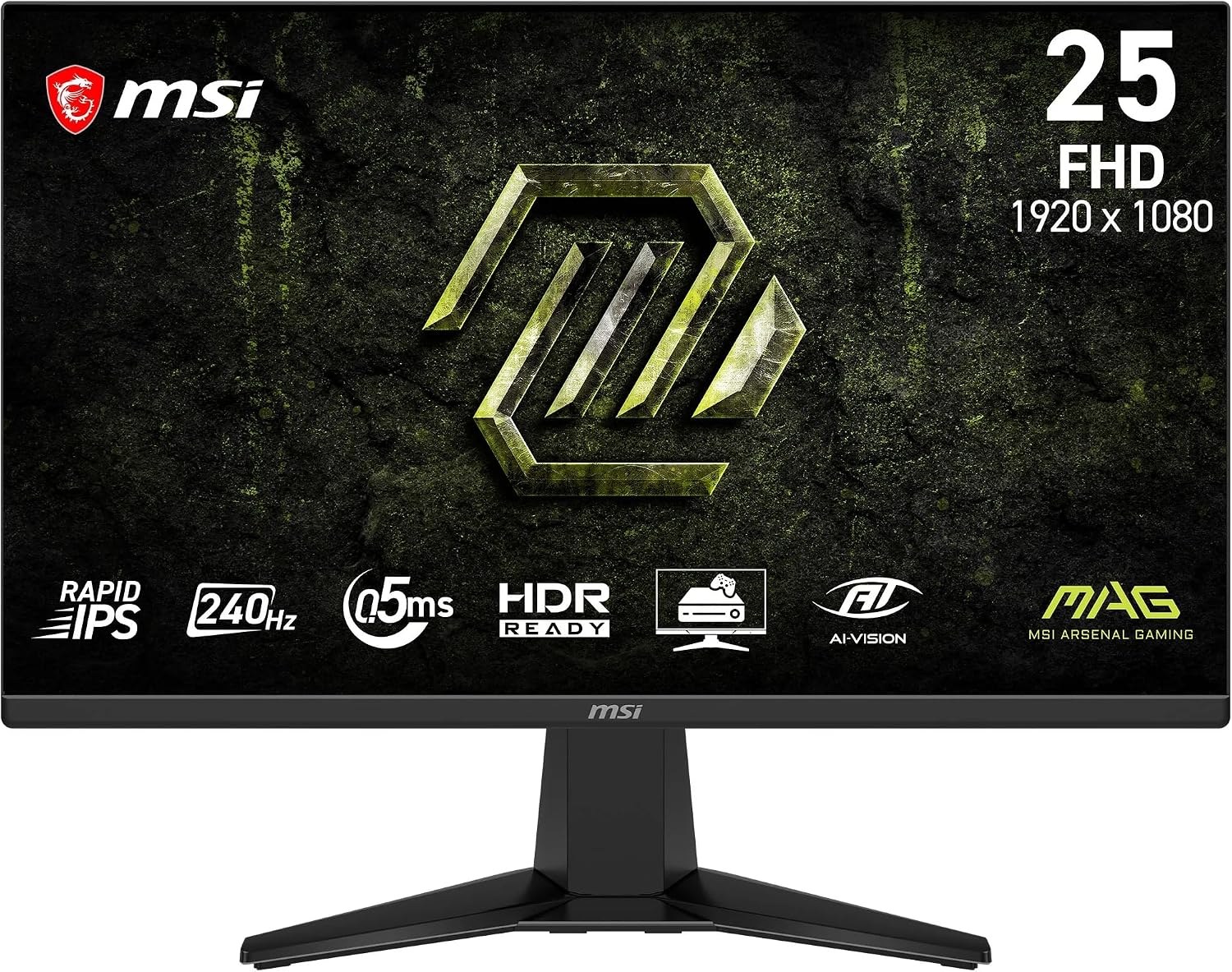
Panel: 24.5-inch 1920 × 1080 Rapid IPS
Refresh: Up to 240Hz
Stand: Tilt adjustment
Should you buy 24-inch 1080p or 27-inch 1440p?
1080p has about 2.1 million pixels; 1440p has about 3.7 million. The lighter 1080p load can help a modest graphics card maintain high frame rates, while 1440p makes small text and distant game detail clearer at 27 inches. A 24-inch 1080p screen is also easier to fit beside a second monitor. Choose by the games, graphics card and desk space you have, then compare live prices for the exact models above.