Both of these 27-inch IPS screens show 2560 × 1440 pixels. The ASUS is faster at 300Hz, but the larger distinction is how each monitor reaches its advertised rate. MSI’s 240Hz path is DisplayPort; its HDMI input stops at 144Hz. ASUS specifies HDMI 2.1 and DisplayPort operation up to 300Hz with a suitable source.
| Feature | MSI MAG 274QF X24 | ASUS TUF VG27AQM5A |
|---|---|---|
| Panel | 27-inch Rapid IPS, 2560 × 1440 | 27-inch Fast IPS, 2560 × 1440 |
| Maximum refresh | 240Hz over DisplayPort | 300Hz over HDMI or DisplayPort |
| HDMI | Two HDMI 2.0b, QHD up to 144Hz | Two HDMI 2.1 |
| Stand | Tilt | Tilt and swivel; no height adjustment |
| Speakers | No speakers listed | Two 2W speakers |
The MSI specification is particularly important here. Its Amazon AU title says HDMI 2.1, but MSI’s published port and timing tables say HDMI 2.0b at up to 144Hz. ASUS’s specification lists HDMI 2.1 and a 300Hz maximum.
Choose MSI for a DisplayPort PC
If your graphics card has DisplayPort and the X24 costs less, 240Hz at 1440p is a strong pairing for fast games. Its FreeSync Premium support handles variable frame rates. The IPS panel is also easier to use for static desktop work than an OLED that needs panel care. The disadvantages are the HDMI ceiling and a tilt-only stand; factor in a monitor arm if your eye level requires one.
MSI MAG 274QF X24
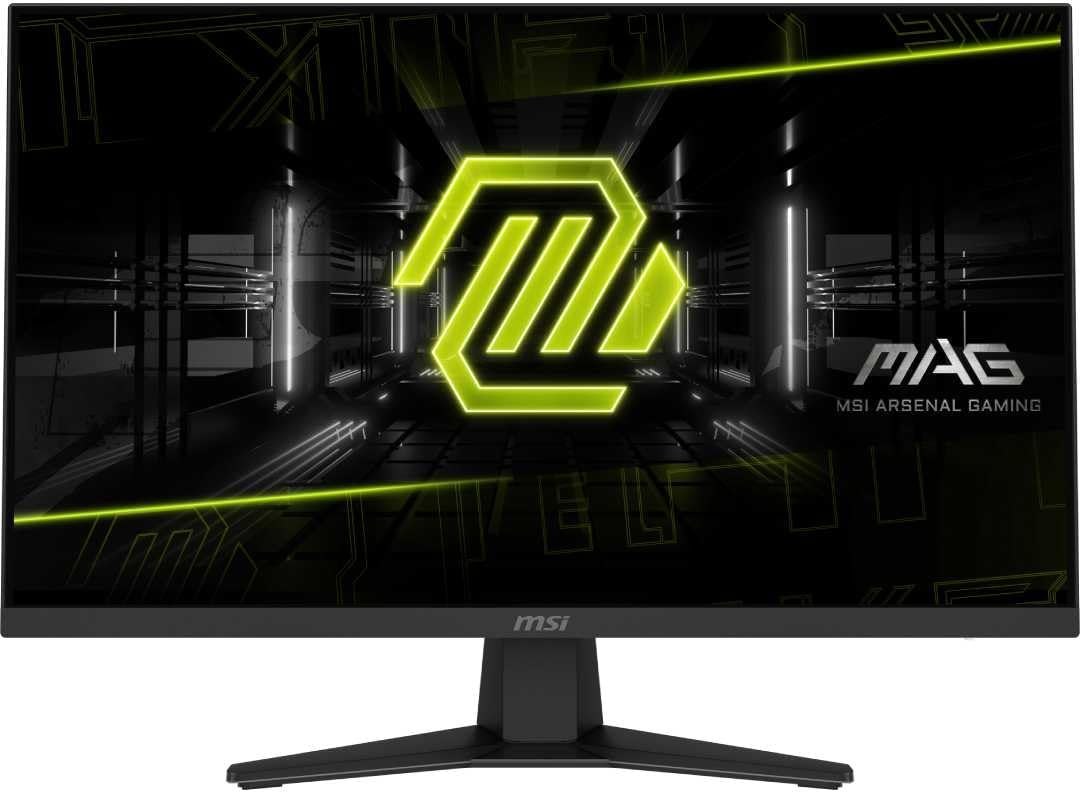
Panel: 27-inch 2560 × 1440 Rapid IPS
Refresh: 240Hz DisplayPort; 144Hz HDMI
Stand: Tilt adjustment
Choose ASUS when HDMI speed matters
The VG27AQM5A has two HDMI 2.1 inputs, 300Hz QHD maximum and adaptive sync. That makes its extra refresh available to a suitable HDMI-connected PC, not only a DisplayPort desktop. ASUS also includes speakers, though headphones or separate speakers may still be preferable. Its supplied stand cannot be raised or lowered; that is a practical compromise for a screen likely to sit on a desk for long sessions.
ASUS TUF Gaming VG27AQM5A
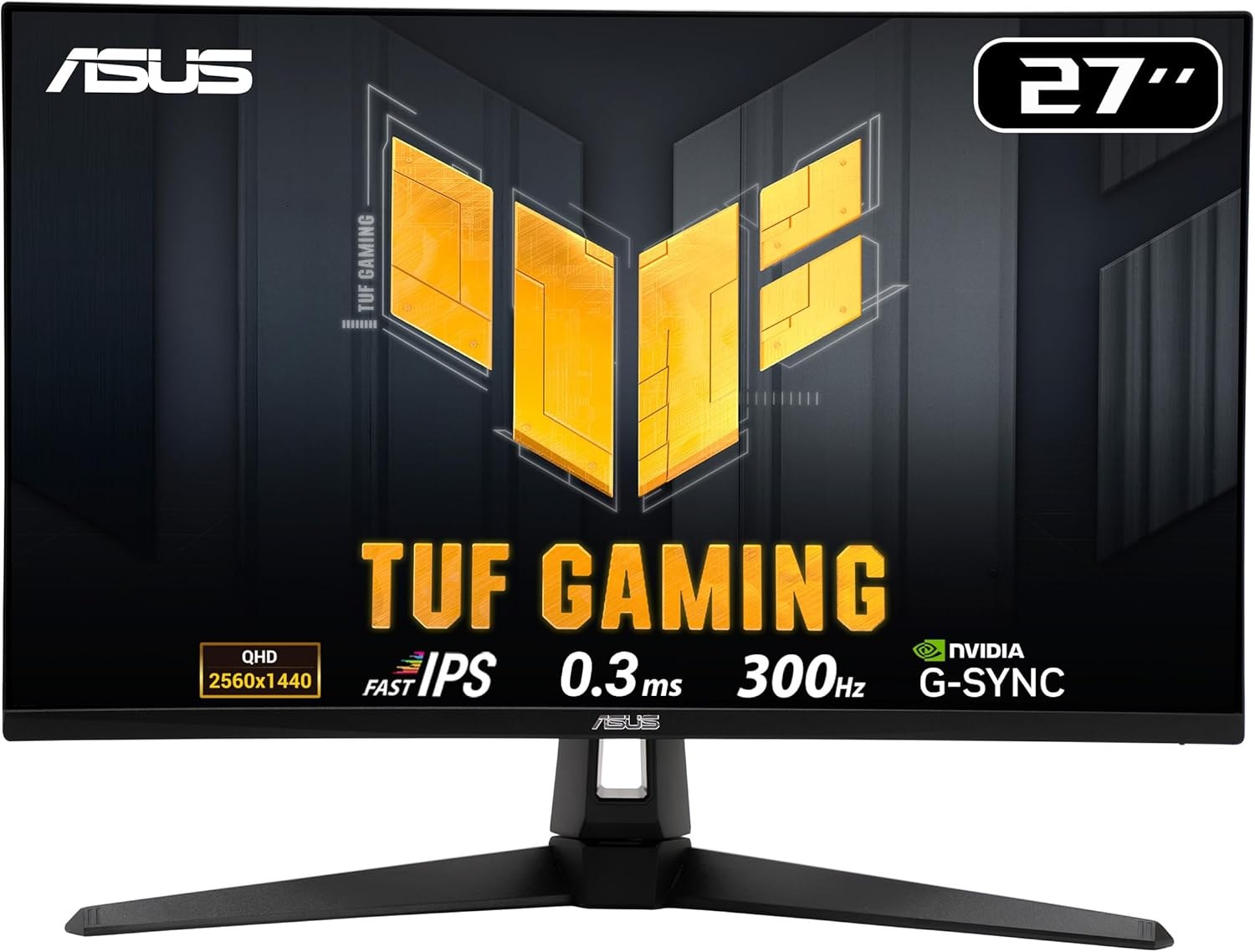
Panel: 27-inch 2560 × 1440 Fast IPS
Refresh: Up to 300Hz
Ports: 2 × HDMI 2.1, DisplayPort 1.4
What 60Hz more really changes
The refresh interval is about 4.2 milliseconds at 240Hz and 3.3 milliseconds at 300Hz. That difference is less than a millisecond per displayed frame, and the game must supply enough frames to use it. If the PC usually delivers well under 240fps, the ASUS’s HDMI connectivity may matter more than its 300Hz badge. For console use, both offer far more refresh headroom than current 120Hz console output needs.