The curve is only one part of a monitor’s shape. These flat 32-inch models are 16:9 screens, while the curved 34-inch examples are 21:9 ultrawides. The wider aspect ratio changes game support, pixel load and desk width. Comparing them by “flat versus curved” alone can conceal the bigger decision.
| Model | Shape | Resolution | What changes most |
|---|---|---|---|
| Samsung Odyssey G5 G51C | Flat 32-inch 16:9 | 2560 × 1440 | Large picture with the standard game and video aspect ratio |
| MSI MAG 322URDF E16 | Flat 31.5-inch 16:9 | 3840 × 2160 | Much finer 4K detail |
| LG UltraGear 34G600A-B | Curved 34-inch 21:9 | 3440 × 1440 | Wider PC game view, VA contrast |
| Samsung Odyssey OLED G8 G85SD | Curved 34-inch 21:9 | 3440 × 1440 | Wider view and OLED blacks |
Flat screens keep the familiar 16:9 frame
The Odyssey G51C is a flat 32-inch QHD VA screen at up to 165Hz. Its VA panel has a listed 3000:1 typical contrast ratio. The MSI 322URDF E16 is also flat and nearly the same size, but its 4K IPS panel packs more than twice as many pixels into the picture. Both display 16:9 console games and video without the side bars an ultrawide can show. Choose between them on resolution, contrast and the PC’s graphics power before thinking about curvature.
Samsung Odyssey G5 G51C 32-inch
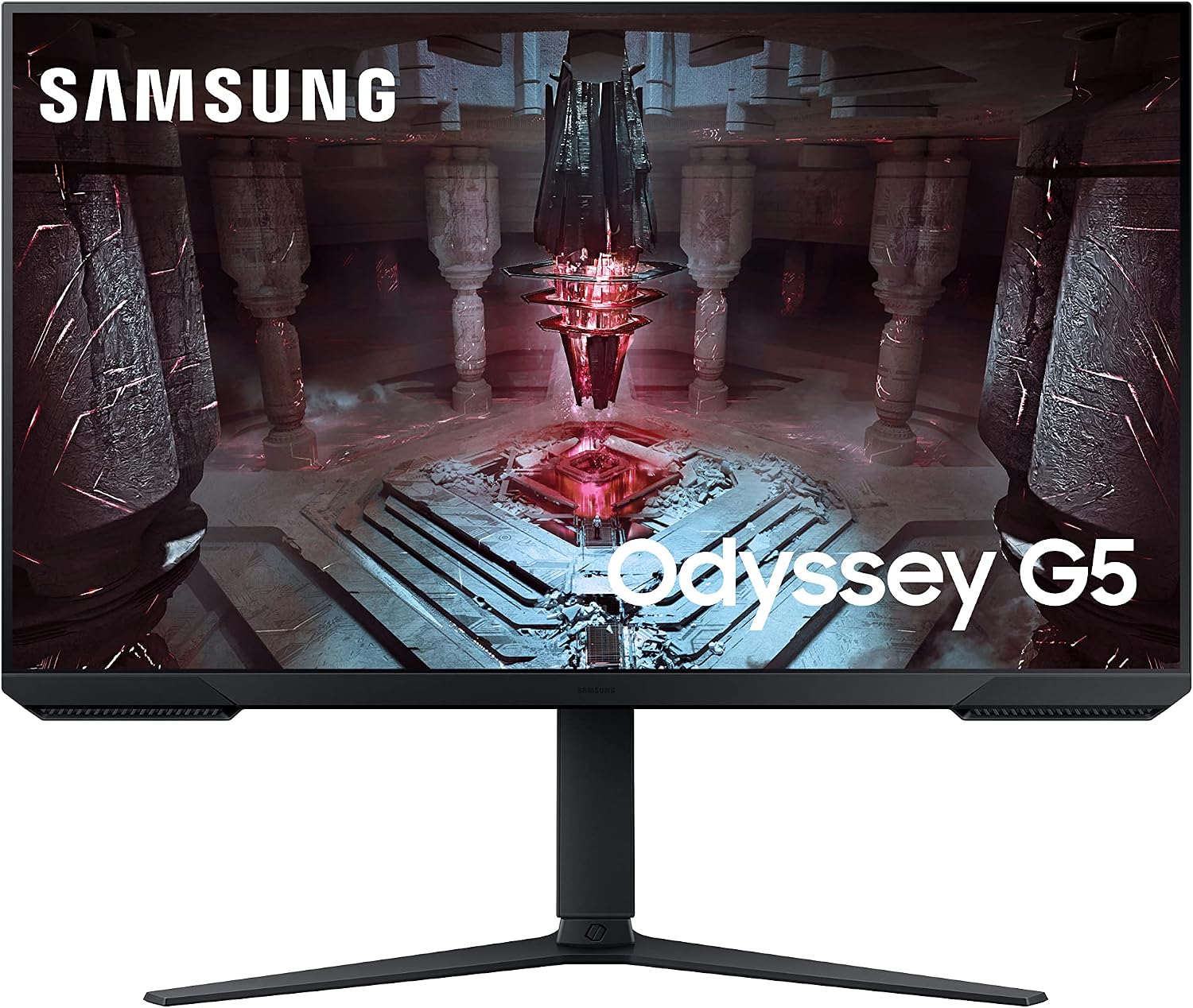
Panel: 32-inch flat 2560 × 1440 VA
Refresh: Up to 165Hz
Stand: Height, tilt, swivel and pivot
MSI MAG 322URDF E16
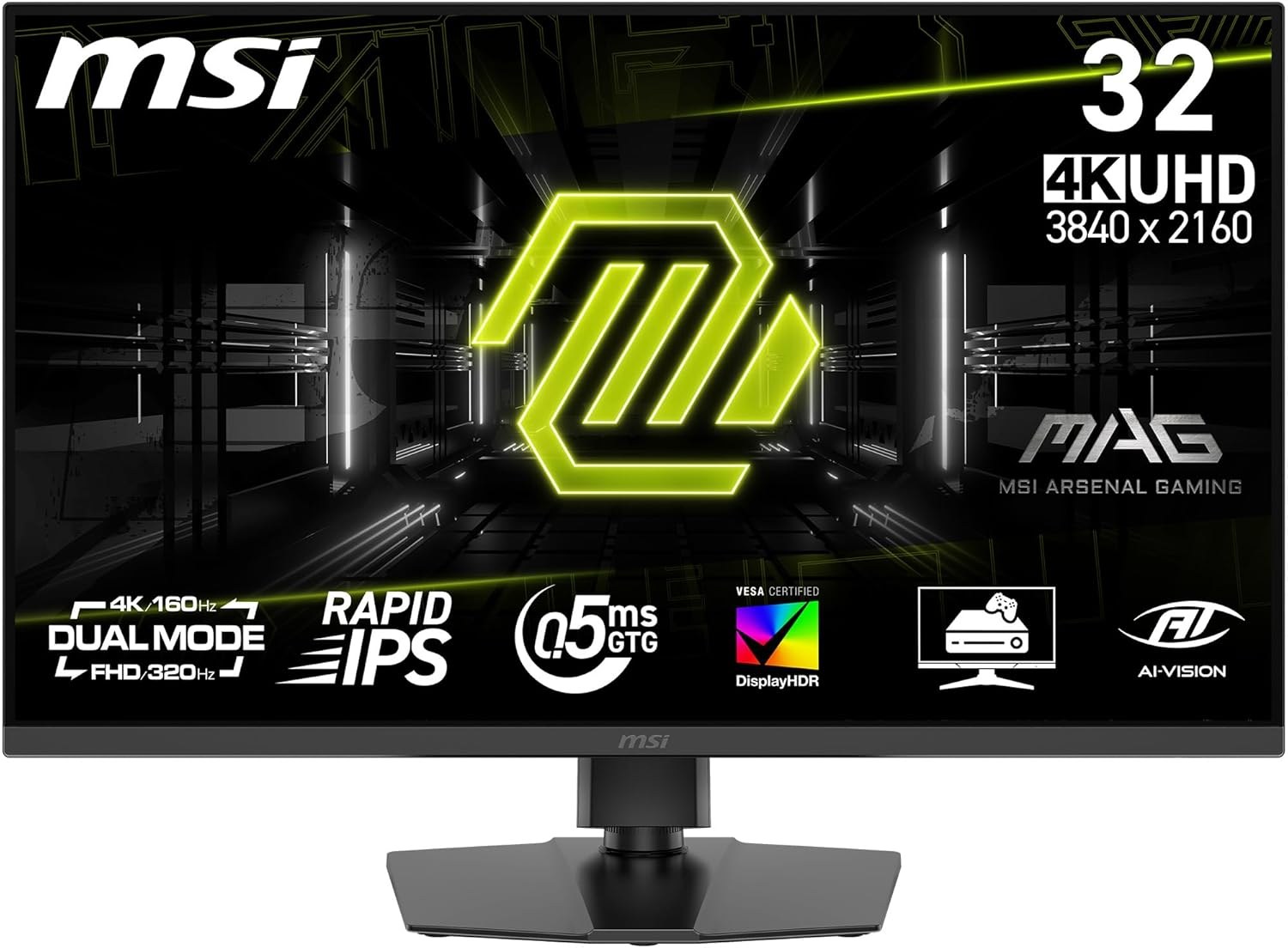
Panel: 31.5-inch IPS
Refresh: 4K 160Hz or 1080p 320Hz
Ports: 2 × HDMI 2.1, DisplayPort 1.4a
Curved ultrawides use more desk width
LG lists the 34G600A-B as a 34-inch 3440 × 1440 VA monitor with a 1800R curve and 160Hz refresh. Samsung’s Odyssey OLED G8 G85SD also has a 34-inch 1800R curved ultrawide panel, but uses OLED and reaches 175Hz. At a central viewing position, the curved edges can face you more directly. The more consequential feature is the 21:9 canvas, which can show more horizontal game world when a PC title supports it. Many consoles and 16:9 videos instead display side bars.
LG UltraGear 34G600A-B
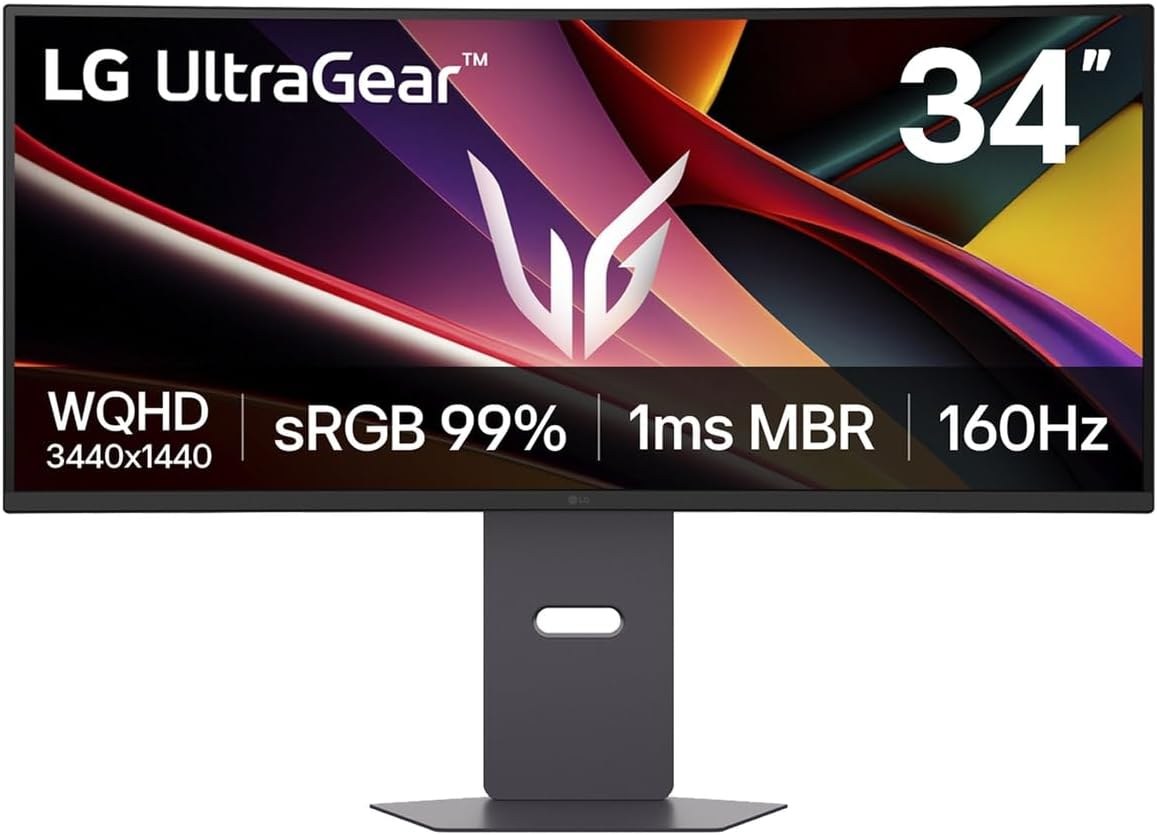
Panel: 34-inch 3440 × 1440 curved VA
Refresh: Up to 160Hz
Stand: Height, tilt and swivel
Samsung Odyssey OLED G8 G85SD
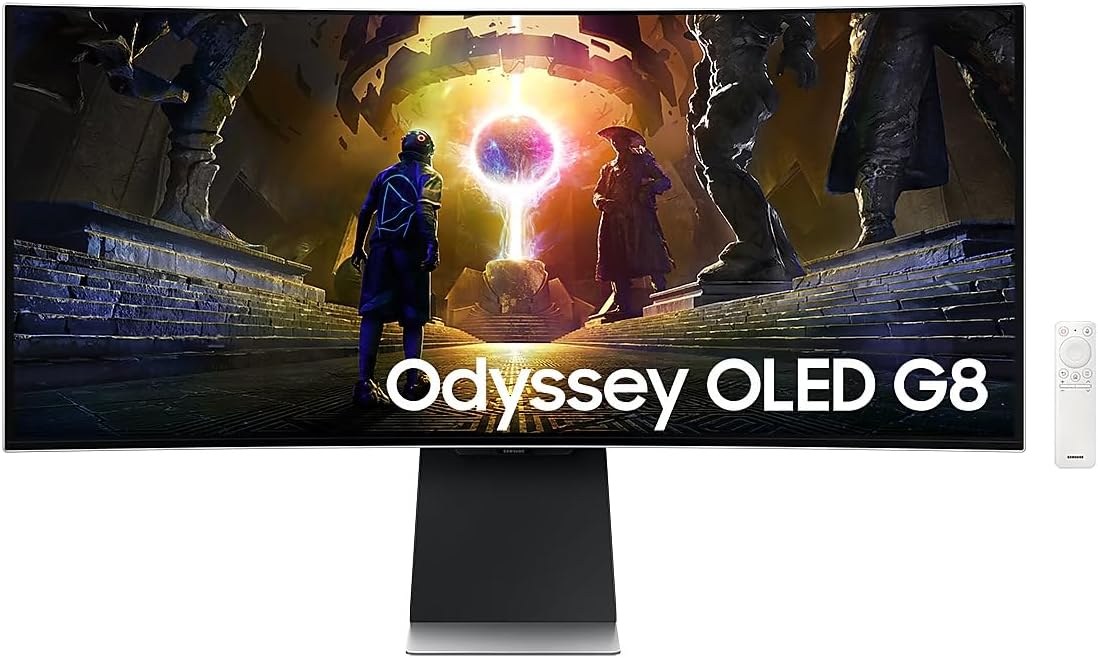
Panel: 34-inch 3440 × 1440 curved OLED
Refresh: Up to 175Hz
Surface: OLED Glare Free
Match the screen to your seating position
For a desk shared with another person or frequent console play, a flat 16:9 screen is the simpler format. For single-seat PC gaming and side-by-side desktop windows, a curved 34-inch ultrawide can use its width well. Check a favourite game’s 21:9 support and measure the available desk space. The two curved monitors above differ more in panel technology and price than in their 1800R curve.